Doing more with your camera
www.kodak.com/go/m753support m853support md853support 13
Scene modes
Choose a Scene mode—for great pictures in practically any situation!
1 Turn the Mode dial to Scene .
2 Press to display Scene mode descriptions.
If the mode description turns off before you finish reading it, press OK.
3 Press OK to choose a Scene mode.
Using camera Help
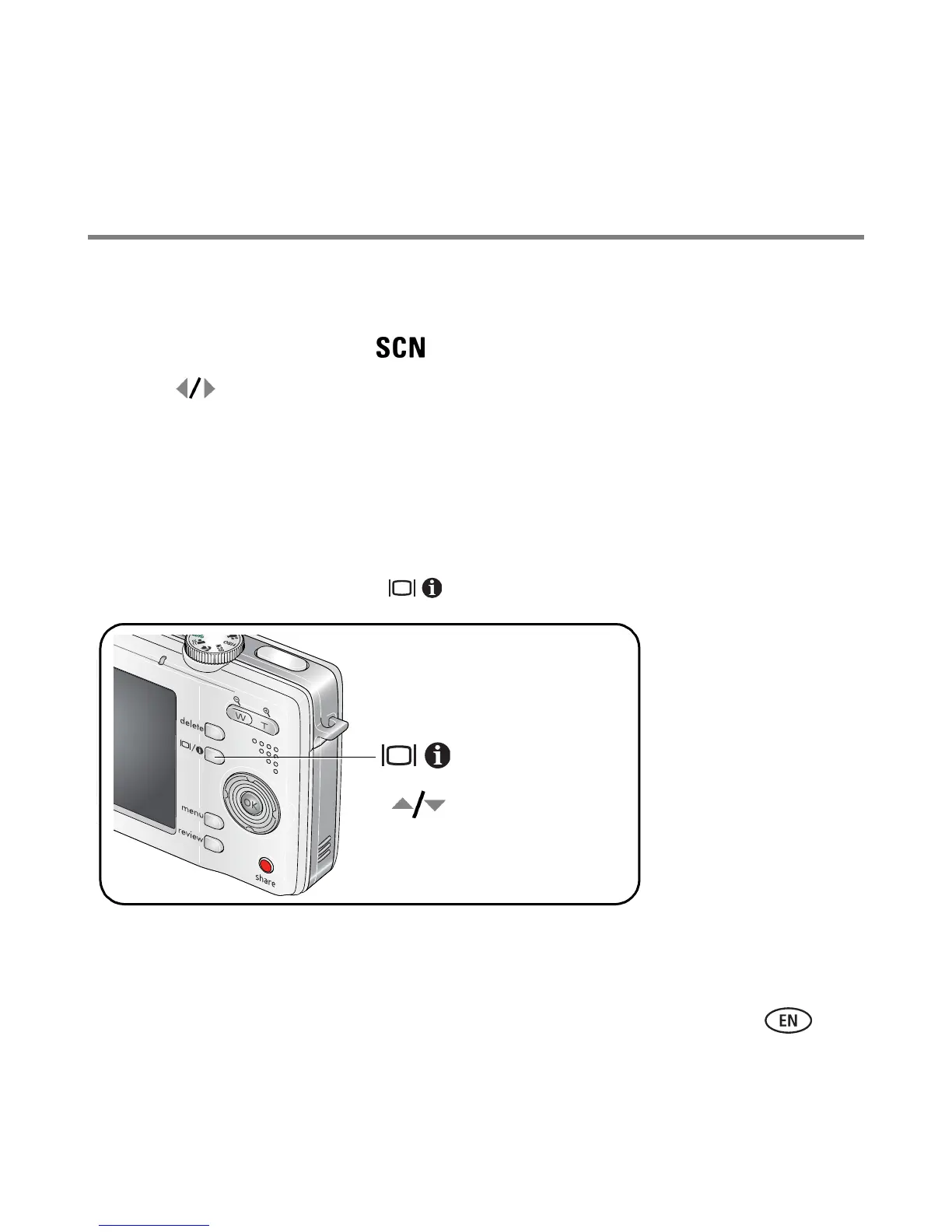
To better understand each menu option, use camera Help. Select an option you want to
learn more about, then press the button.
Turn on/off Help
Scroll up/down


 To Next Page
 Loading...