39
The Power Off will be invalid during
recording, movie playing back and
wireless connecting.
Wireless Power Saving
Wireless Power Saving mode means that
after 30 seconds of remote-controlled
recording with the APP, the wireless
connection will automatically disconnect, but
the product will continue to record. Wireless
power saving mode will prolong battery life.
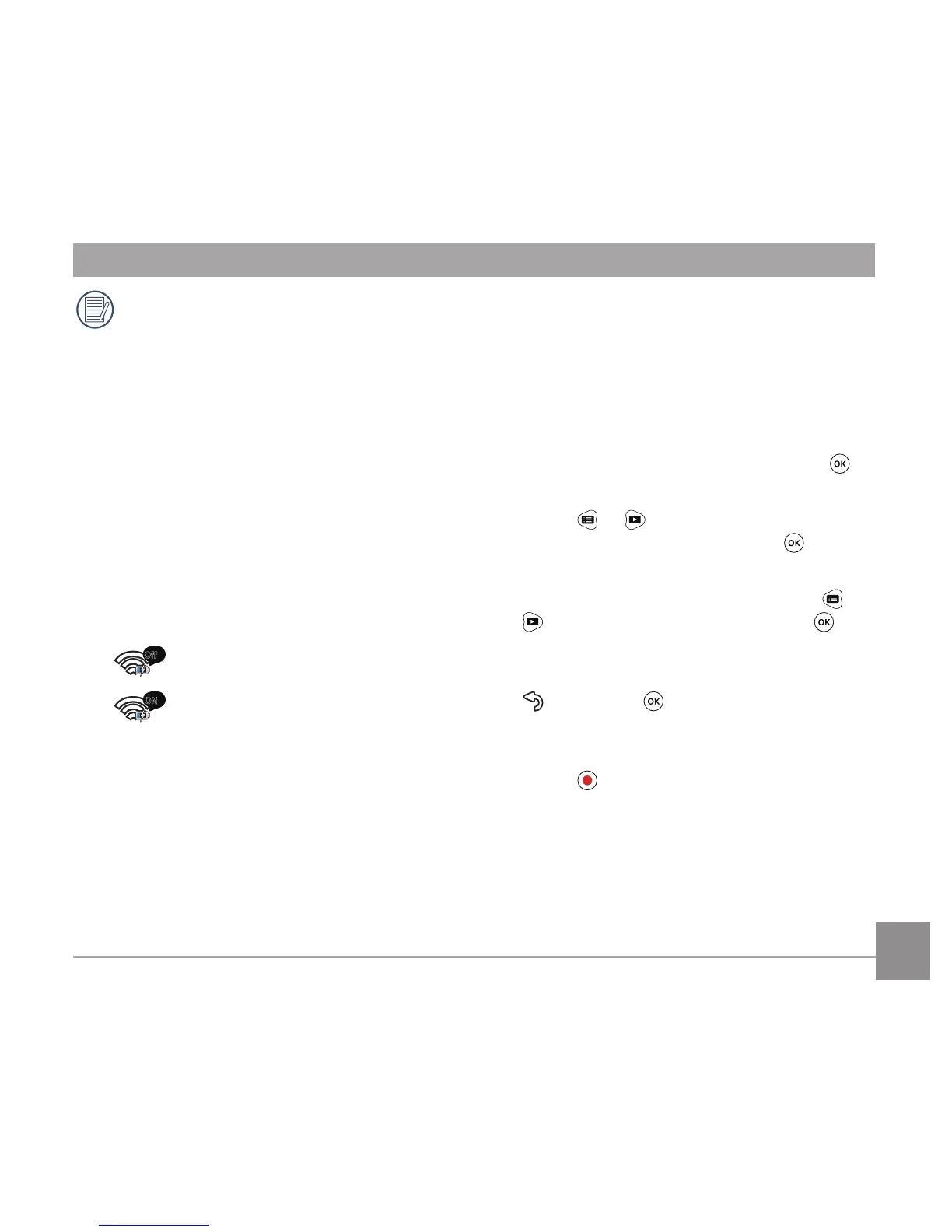
There are 2 options in 「Wireless Power
Saving」:
•
Off
ON
Enable
Date / Time
Date and time can be set during the rst
power on cycle. If you wish to change the
date or time thereafter, please operate as
the following.
1. Enter the 「Date / Time」in the
secondary level interface and press
to
conrm;
2. Press
or to adjust the date and
time display format, and press to
conrm the display format;
3. In the date and time options, press
or
to adjust the values, and press to
conrm;
4. After the setting is completed, select
, and press to conrm and back to
「Date / Time」in the secondary level
interface;
5. Press
to return to the viewnder
status.



 To Next Page