26 RECORDING - BASIC OPERATION
FOCUS LOCK
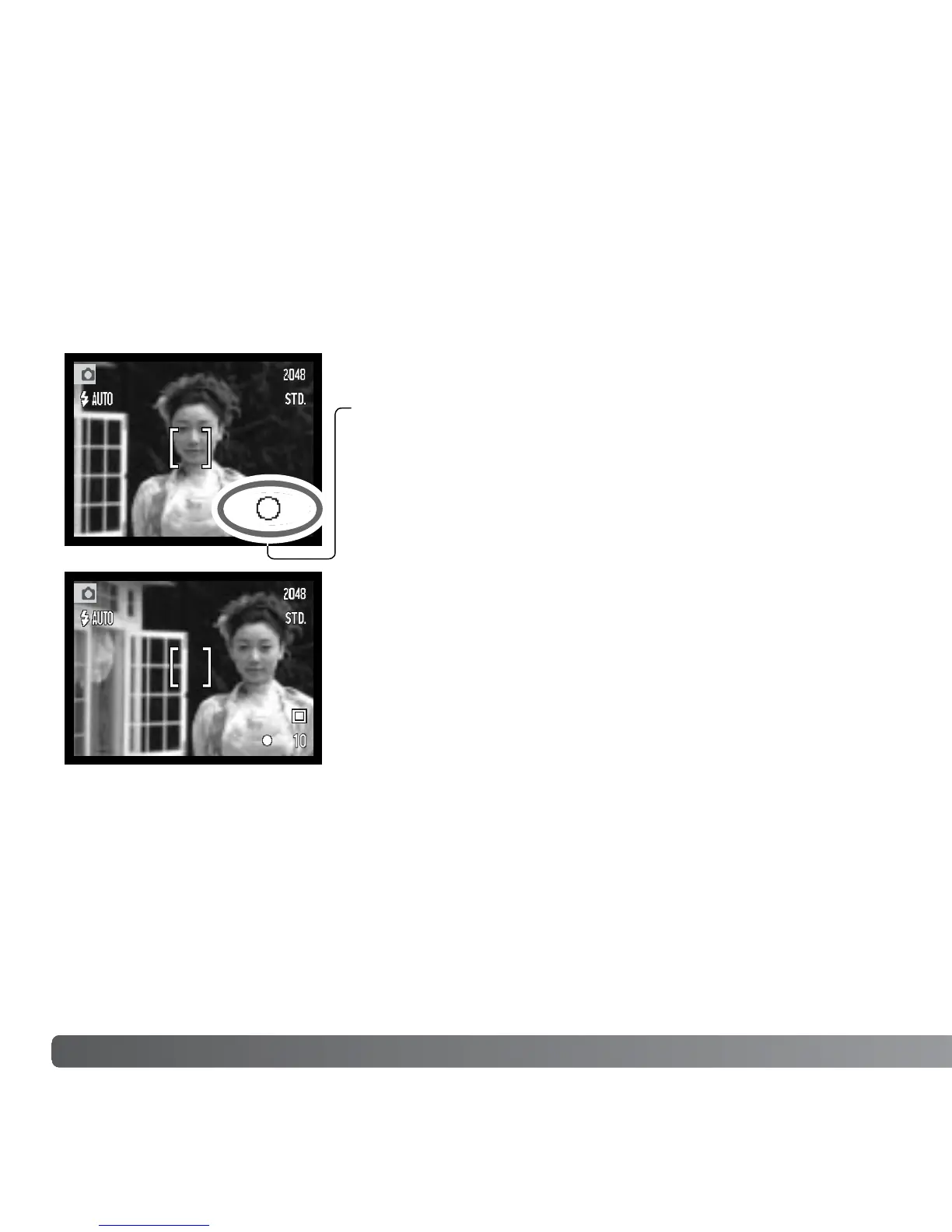
The focus-lock function is used when you want to compose the image with the subject
off-center and outside the focus frame. Focus lock may also be used when a special
focusing situation prevents the camera from focusing on the subject. This function is
controlled with the shutter-release button.
Place the subject within the focus frame. Press and hold
the shutter-release button partway down to lock the focus.
• The focus signal on the monitor will indicate if the focus is
locked.
Without lifting your finger from the shutter-release button,
recompose the subject within the image area. Press the
shutter-release button all the way down to take the
picture.
FOCUS RANGE
The focus range is 10cm (0.3ft.) to infinity.



 To Next Page
 Loading...











