65
NAVIGATING THE ADVANCED PLAYBACK MENU
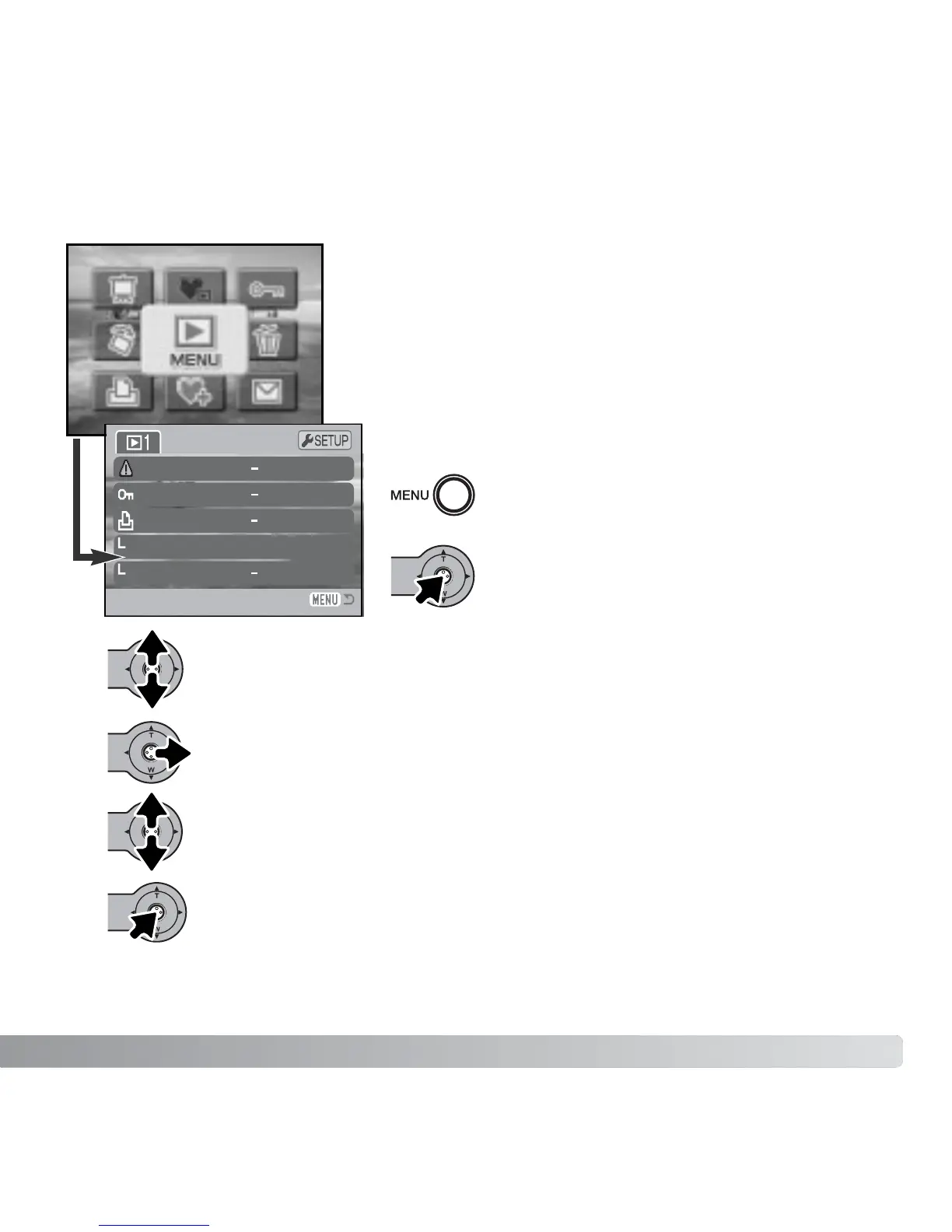
To activate the main menu of the playback
mode, press the menu button.
Move the controller up and down to scroll through the menu options. Highlight
the option whose settings need to be changed.
With the menu option to be changed highlighted, move the controller right; the
settings will be displayed with the current setting highlighted. To return to the
menu options, move the controller left.
Press the controller to select the highlighted setting.
Move the controller up and down to highlight the new setting.
Once a setting has been selected, the cursor will return to the menu options and the new
setting will be displayed. Changes can continue to be made. To return to the playback-
mode, press the menu button.
With the menu icon selected, press the
controller to open the menu.
Selecting the menu icon on the main menu displays the
advanced playback menu to access the advanced
playback functions. See the next page for menu options.
Navigating the menu is simple. Push the controller in the
direction to move the cursor and change settings on the
menu. Pressing the center button of the controller
selects menu options and sets adjustments.
Delete
Lock
DPOF set
Index print
Date print
Off



 To Next Page
 Loading...











