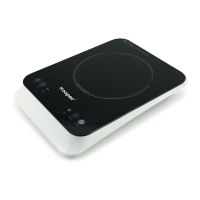
21
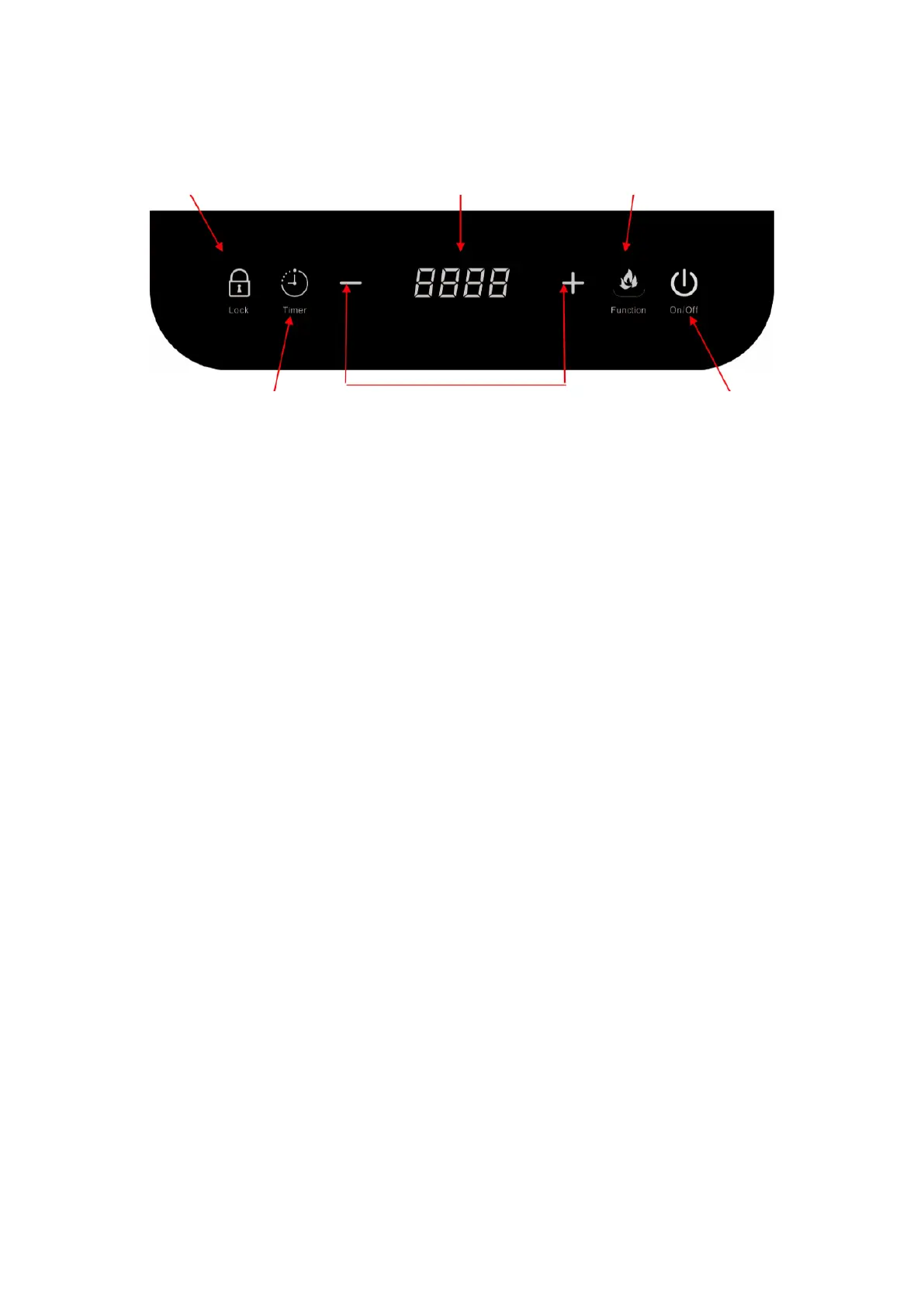
Timer
Lock
Power / TEMP/
Timer Display
Functions
Power/
TEMP/Timer
adjustment
On/Off
After inserting the plug into the socket, a “Beep” will emit, the indicator
above the [On/Off] key will start to flash ,the display lights are activated
shortly so they can be checked for proper functioning. And the display
shows C.
Press On/Off, LED display will be on, LED display show ON
Control
Panel
2.1 Cooking Mode:
1. Power: Press the [Function] key, display will show [1600] represen-
ting that the default power is 1600W. It can be adjusted by pressing
the [+] or [–] key to set the desired power. There are 10 power levels in
total(200W,400W,600W,800W,1000W,1200W,1400W,1600W,1800W,
2000W). To cancel this mode, press [Function] key to switch to tempe-
rature setting mode or [On/Off] key to stop the operation.
2. Temperature Celsius: Temperature Celsius: Press the [Fucntion] key twi-
ce, the display will show [180] representing that the default power is 180ºC.
It can be adjusted by pressing the [+] or [–] key to set the desired Cel-
sius.There are 10 Celsius levels in total(60ºC, 80ºC, 100ºC,120ºC, 140ºC
160ºC,180ºC, 200ºC,220ºC,240ºC). To cancel this mode, press [Function]
key to switch to power setting mode or [On/Off] key to stop the operation.
3. Power and Temperature indication would be switched in turn when
the user press the [Function] key.


 To Next Page
 Loading...