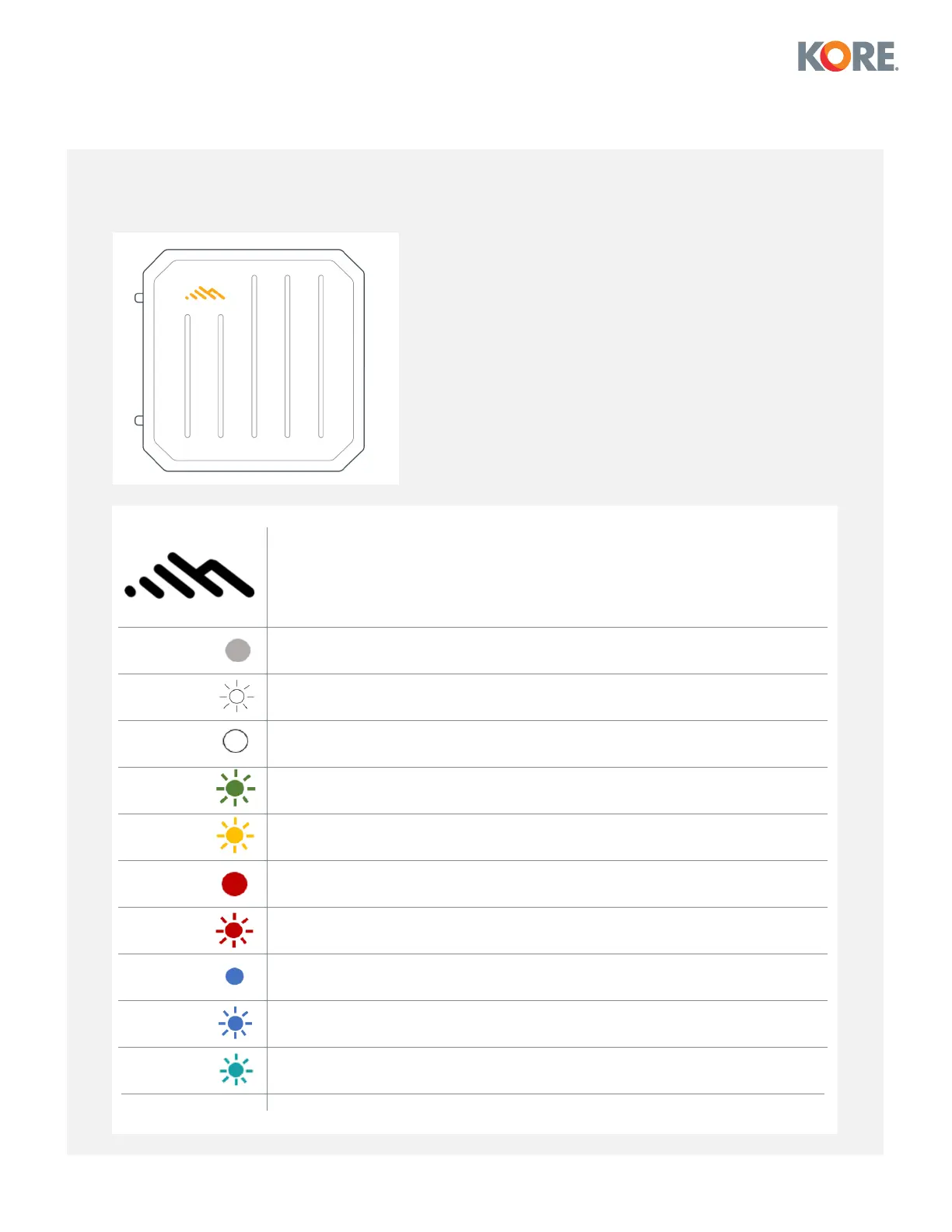
Understanding LEDs
Indicates modem status based on color.
NOTE: The adapter must be powered using an approved 12VDC power source.
No Light = Powered off.
Blinking White = WAN online and not connected to NCM.
Solid White = Connected to NCM.
Blinking Green = Modem is connecting.
Blinking Yellow = Modem is in the process of resetting.
Solid Red = Offline.
Blinking Red = Data connection error. No modem connection possible.
Solid Blue = Carrier reject.
Blinking Blue = No SIM/SIM door open.
Blinking Cyan = Factory reset.


 To Next Page