sure everything is set up correctly before
contacting your carrier for help. To do this go to
settings--> network settings --> SIM Cards -->
Make sure all three options under "Preferred SIM"
are selected under your carrier.
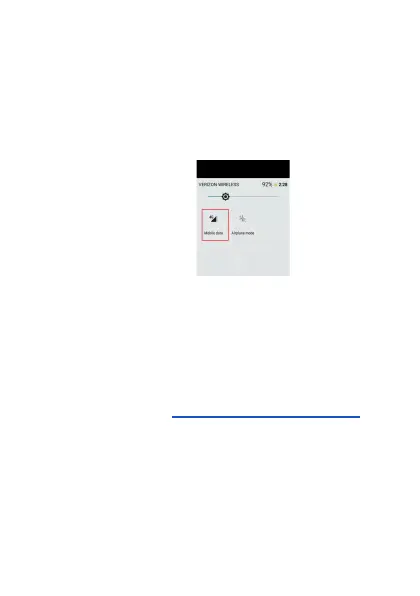
Additionally, please swipe down from the top of the
screen and make sure the mobile data icon is
turned on (see image).
Additionally, be sure that you have a mobile data
plan with your carrier for at least 1GB/mo.
I want to switch to US Mobile. How do I do it
with a FIG phone?
Go to their website (https://www.usmobile.com/) to
order a SIM card. When ordering the SIM card,
they will ask you for an IMEI. Use this IMEI:
014864008315809.
When you receive the SIM card , you will need to
activate it online as well using the same IMEI.
Once it is activated as per the instructions on their
website, stick the SIM card into the phone. Wait


 To Next Page
 Loading...