Bedeutung Displayanzeigen
Über die 7-Segment Anzeige sowie über die Status LED können verschiedene Informationen zu Temperatur,
Warnung oder Fehler angezeigt werden. Je nach Konfiguration können an der 7-Segment Anzeige sowohl
Soll- oder lsttemperatur als auch Fehlercodes angezeigt werden. Die aktuelle Konfiguration ist wie folgt:
Die Status-LED (gelb) leuchtet wenn eine Störung vorliegt.
Die Power-LED (grün) leuchtet wenn das Gerät aufheizt.
7-Segment Anzeige zeigt Soll- & lst-Temperatur im Wechsel an.
Über die Segment-Anzeige können direkt Fehlercodes und Warnhinweise angezeigt werden. Wenn die Feh-
lerursache behoben ist, wird die Meldung automatisch quittiert.
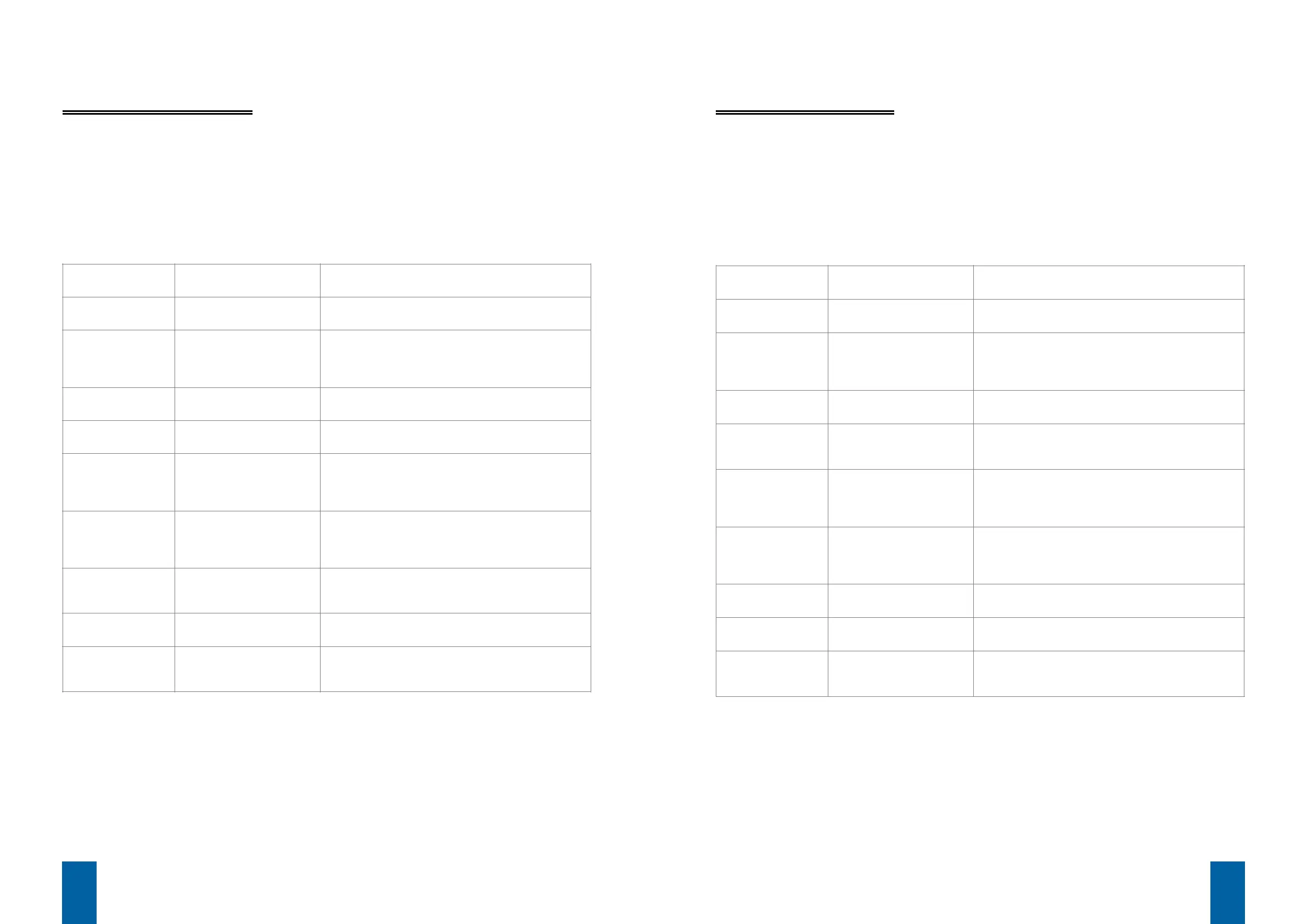
Fehlercode / Warn-
hinweise
Bedeutung Fehlerbehebung
E03 Umgebungstemperatur
größer als 82°C
Automatisches Rücksetzen und wiedereinschalten
wenn Temperatur wieder unter 82°C fällt
E04 Überschreitung der anwen-
dungsspez. Maximaltempe-
ratur durch einen be-liebi-
gen Fühler
Automatisches Rücksetzen wenn die Max-Temp. un-
ter-schritten wird
E05 Unterbruch Sollwert (Poten-
tiometer/ Hall knebel)
Automatisches Rücksetzen wenn Sollwertvorgabe
wie-der vorhanden ist
E06 Ablauf der erlaubten Be-
triebsstunden-freigabe
Automatisches Rücksetzen wenn die Betriebsstun-
den-freigabe erhöht wird
E13 Fühlerunterbruch/Fühler-
kurzschluss von mindes-
tens einem Fühler.
Automatisches Rücksetzen wenn Fühler wieder vor-
handen ist. Mit dem Para-meter „PT sensor config"
kann die Überwachung für jeden einzelnen Sensor
pro Anwendung konfiguriert werden
P Unerlaubtes Wiederein-
schalten (Knebel/ Poti >
null) nach Stromunterbre-
chung
Drehen Sie den Knebel kurz in die Nullposition
keine Bluetooth
Kommunikation
möglich
Bluetooth Modul nicht ein-
gesteckt
Prüfen Sie ob ein Bluetooth Modul eingesteckt oder
bestückt ist
falsche Adresse oder nicht
gepaart
Scannen Sie nach Bluetooth Geräten und wählen Sie
das korrekte Gerät aus
Bluetooth funktio-
niert nur teilweise
mit falschem Gerät verbun-
den
- Trennen Sie die Bluetooth Kommunikation
- Scannen Sie nach Blue-tooth Geräten und wählen
Sie das korrekte Gerät aus
Meaning of Display values
The 7-segment display and the status LED provide a variety of information on temperature, warnings and
malfunctions. Depending on the configuration, the 7-segment display can provide information on the current
and target temperatures as well as error codes. The current configuration is as follows:
The status LED (yellow) lights up when a malfunction has occurred.
The power LED (green) lights up when the unit is heating up.
The 7-segment display alternately shows the current and target temperatures.
The 7-segment display can directly show error codes and warnings. Once the cause of the malfunction has
been corrected, the message is automatically canceled.
Error Code /
Warning
Meaning Corrective action
E03
Ambient temperature hig-
her than 82°C
Automatic switch-off and switch-on once the tempera-
ture drops below 82°C
E04
Application-specific maxi-
mum temperature has been
exceeded due to an inde-
terminate malfunction
Automatic reset when the maximum temperature is
no longer exceeded
E05
Interrupt target value (po-
tentiometer/Hall knob)
Automatic reset when defined target value is once
again achieved
E06
Expiration of the permissi-
ble number of hours in ope-
ration
Automatic reset when the permissible hours of opera-
tion are increased
E13
Sensor interruption/sensor
short circuit in at least one
sensor
Automatic reset when sensor is functional once
again. Monitoring for each individual sensor per app-
lication can be configured with the parameter "PT
sensor config".
P
Prohibited reactivation/
switch-on (Knob/potentio-
meter > zero) after power
outage
Turn the knob to the null position for a short period of
time.
No Bluetooth com-
munication possible
Bluetooth module not inser-
ted
Check to ascertain whether a Bluetooth module is
inserted or installed.
Incorrect address or not
paired
Scan for Bluetooth devices and select the correct
device.
Bluetooth only parti-
ally functional
Connected with wrong de-
vice
- Interrupt Bluetooth communication.
- Scan for Bluetooth devices and select the correct
device.
82 83


 To Next Page
 Loading...