Dr Walt’s Quick Guide to Keycreator Sheet Metal Tools- Part 1
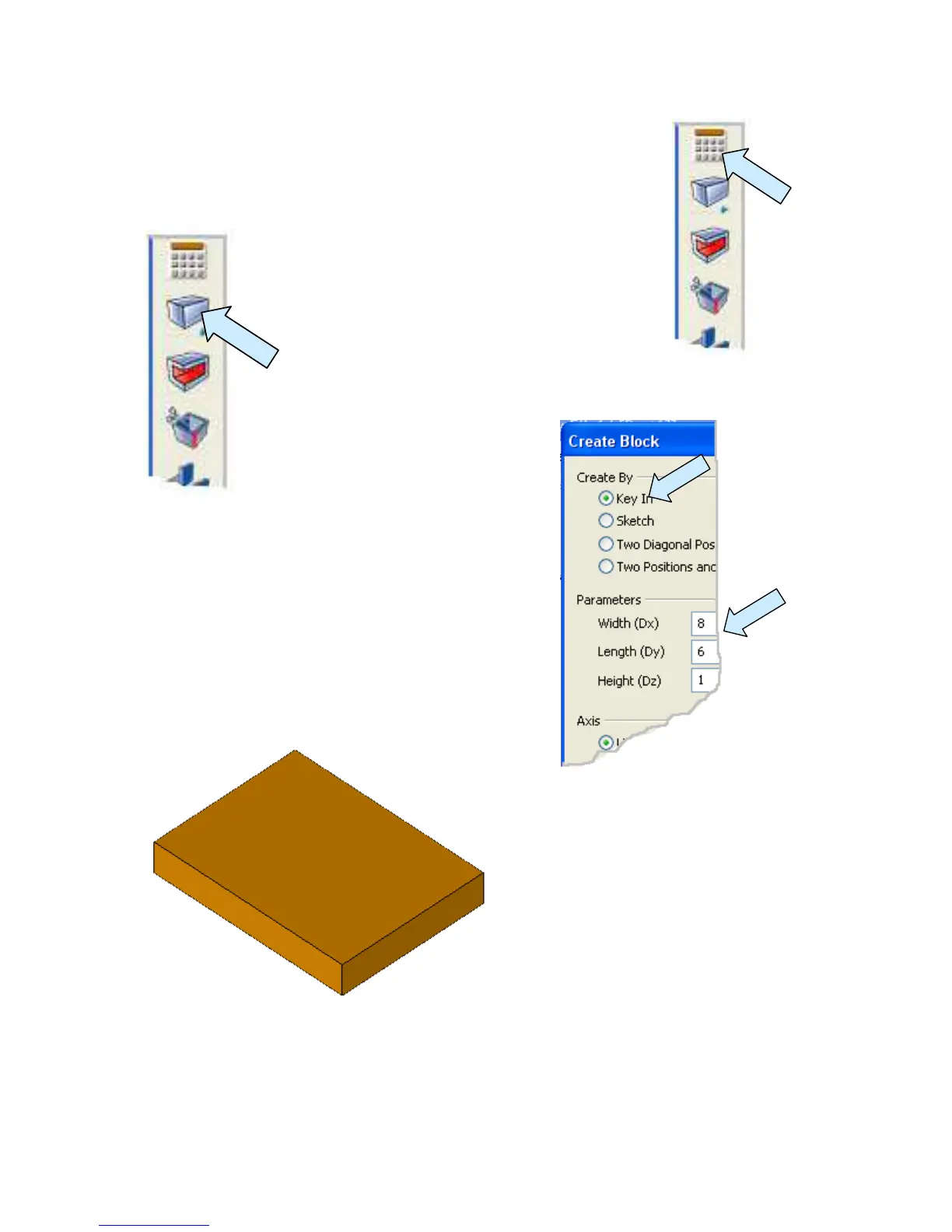
Start with a new file in view 1. Click on the ONLINE
CALCULATOR Icon and type “t = 0.032” to assign a value of
0.032 as the sheet metal thickness in this file.
Next, click on the BLOCK Icon.
A Dialog Box appears.
Use the Key In Option and type 8 for the width, 6
for the length, and 1 for the height.
Use the cursor option to place the file anywhere on
the screen.
Now, switch to the Isometric View and
Autoscale the display.
Your part should look like this.



 To Next Page