Kurz Instruments, Inc. 831-646-5911
2411 Garden Road www.kurzinstruments.com
Monterey, CA 93940
360208-F 454FTB, 504FTB, 534FTB 15
! WARNING !
OUTPUT WILL STOP
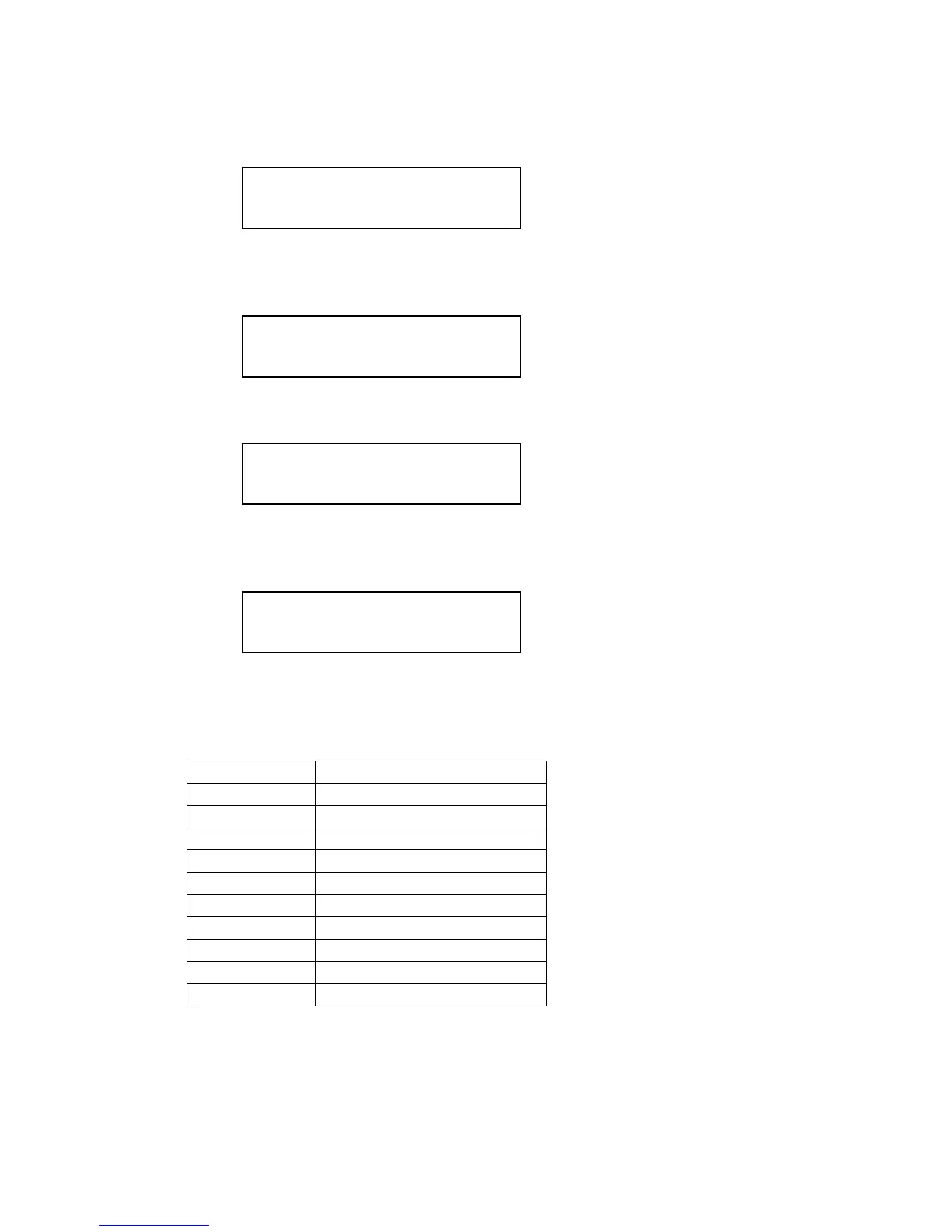
The next screen shows the type of meter. If the user is configuring an Insertion Meter the
following will be displayed:
METER TYPE IS
INSERTION FLOW
If an In-Line Meter is being configured the following will be displayed:
METER TYPE IS
IN-LINE FLOW
Press P to advance to the next Quick Setup Menu screen which prompts for the meter
TAG NAME
TAG NAME
KURZ MFT-B
The TAG NAME is entered using the numeric keys on the keypad (0-9) similar to
entering a text message on a cellular phone. Alphabetic characters and special characters
(e.g., <,>,%, etc) are mapped to the numeric keys as follows:
0, <sp>, (, ), +, ,, <, >
The alphabetic and special characters are entered by repeated pressing of the
corresponding numeric key. When the desired character is displayed, press the E key to
accept the character and advance the cursor to the right. Use the D key to clear one
character to the left (backspace) or the C key to clear the entire text entry and restart.


 To Next Page