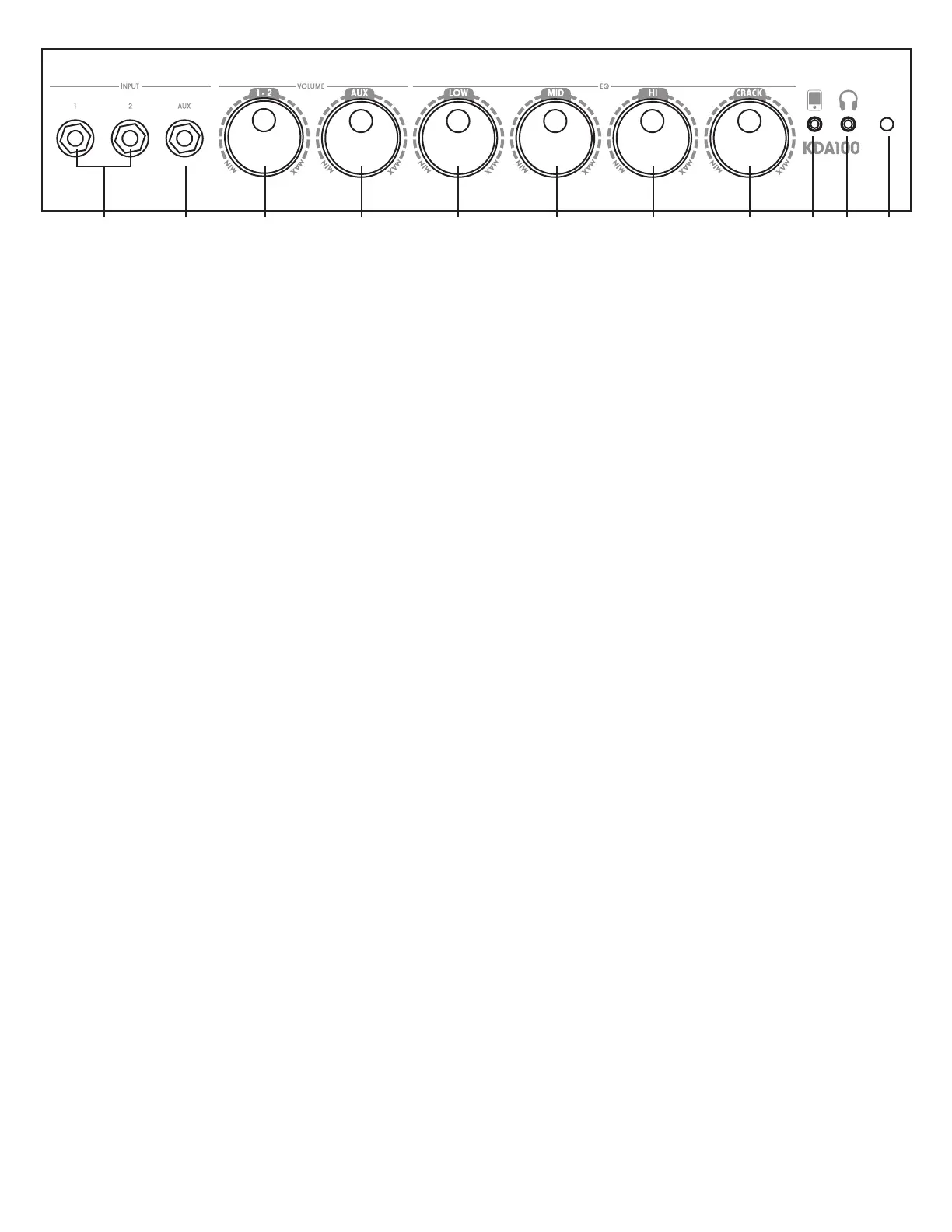
1) Inputs 1 & 2: These are ¼” input jacks for connecting your drum module to the amplier. They utilize the
same volume control labeled 1-2.
2) Aux Input: This ¼” jack is used for connecting any pre-EQ audio source. The volume of the Aux Input is con-
trolled by the Aux Volume control. If using a stereo TR cable, the two signals are summed together.
3) 1-2 Volume: This controls the volume level of the Drum Inputs to the power amplier.
4) Aux Volume: This controls the volume level of the Aux Input.
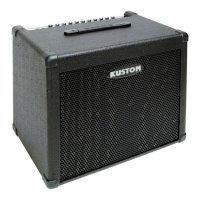
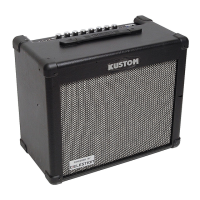
Equalization Section: These control the overall tone of the KDA100 drum amplier.
5) Low: This controls frequencies centered at 60Hz with a +/-12 dB sweep.
6) Mid: This controls frequencies centered at 800Hz with a +/-12 dB sweep.
7) High: This controls frequencies centered at 10 kHz with a +/-12 dB sweep.
8) Crack: This EQ control tailors the upper mid-range to accentuate the snare drum and enhances presence on
other instruments.
9) Line In: This is a 1/8” stereo line input. It bypasses the drum ampliers EQ tone controls and feeds straight
into the power amplier. Use the volume and tone controls on your external device to control the audio signal.
10) Headphone Jack: This is a 3.5mm stereo output jack. When used, it turns off the internal speaker.
It combines all inputs from your drums, Aux Input, and Line In for silent practice.
11) Power Indicator Light: Indicates that the power switch is in the “ON” position.
1 2 3 4 5 6 7 8 9 10 11


 To Next Page