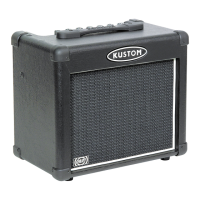
MODEL KPM7250T
29
30
28
27
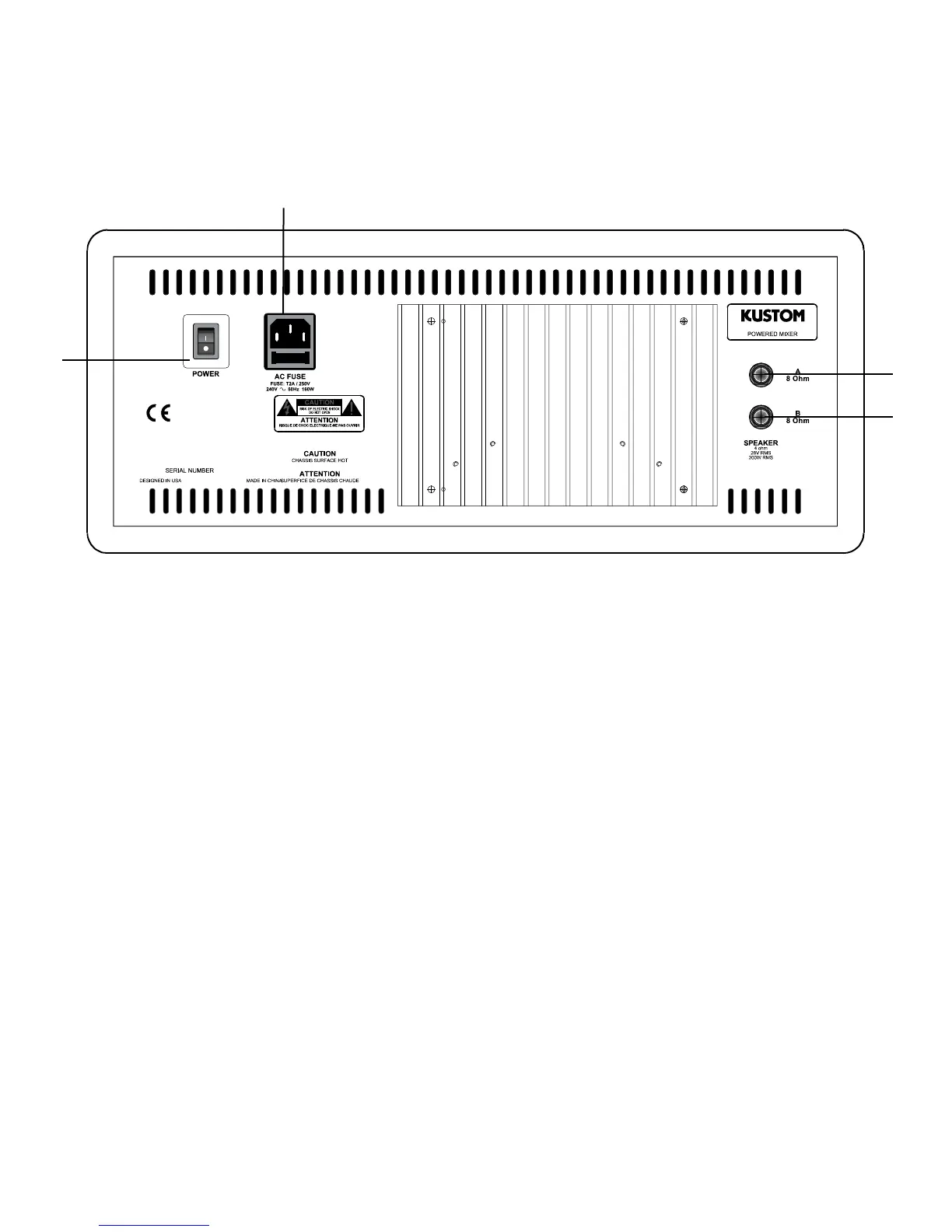
SETUP DIAGRAM B
MIXER REAR
REAR PANEL
27) AC Cord Connector: Insert the AC cord (supplied) firmly into the AC connector. NOTE:
Replace the AC power cord if protective jacket is damaged or round ground pin is damaged
or removed.
28) Power Switch: The KPM7250T is turned ON when the switch is in the UP position. Press the
switch to the DOWN position when not in use.
29-30)Speaker: Connectors for 8 Ohm speaker cabinets each. NOTES: #1 Do not connect more
than two 8 Ohm speaker cabinets to the output of the KMP7250T mixer/amplifier. Total load
must not go below 4 Ohms. #2. It is not necessary to use both A & B output jacks. The
KPM7250T will operate at 8-16 Ohms.


 To Next Page