13
Pairing with one phone or other devices
Make sure the headphones are powered off.
Press and hold the multifunctional button for 5 seconds to enter the
pairing mode. The red LED and blue LED flash alternately.
Activate the Bluetooth function on your phone or device and search
for the headphones. From the list of available devices on your mobile
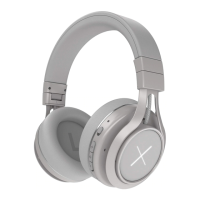
phone, select the KYGO A6-500 headphones and tap to connect.
Follow the instructions to enter “0000” as a PIN code if prompted on
your mobile phone screen.
Headphones or device can be used to play music from your phone,
make calls, and do many more.
Pairing


 To Next Page
 Loading...