15
Pairing with two phones or other devices simultaneously
1. Pair with the phone “A” successfully, then turn off the headphones.
2. Follow the same procedure with the phone “B”. Then turn off the
headphones again.
3. Turn on the headphones. The headphones will automatically
connect to phone “B”. Then check “found devices” on phone “A”
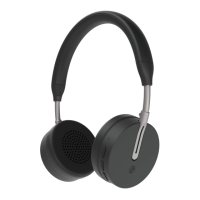
and connect to Kygo A6-500.


 To Next Page
 Loading...