9
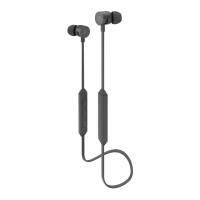
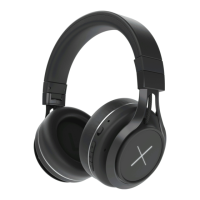
Power on: Press the multi-functional button for 2 seconds.
When the blue LED flashes twice, headphones are turned on.
Power off: Press the multi-functional button for 3 seconds. When the
red LED flashes twice and then stops, headphones are turned off.
Pairing: Press the multi-functional button for 5 seconds, the blue LED
and the red LED flash alternately.
Increase volume: Press on the “+”button.. When volume reaches
maximum, you will hear a “tick” sound.
Decrease volume: Press on the “-” button. When volume reaches
minimum, you will hear a “tick” sound.
Play/Pause: Short press the MFB to pause music. Press again to
resume.
Basic Buttons Operation



 To Next Page
 Loading...