12
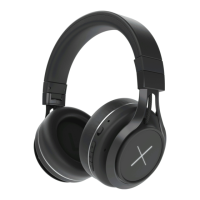
Battery Capacity status: When connected to iOS devices, the
headphone’s battery power status is displayed in upper right corner
of device’s screen.
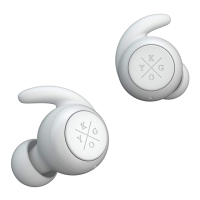
Charging: A new headphone has enough power for pairing and
dialing out several times. When it has low battery, please charge via
USB cable for 2 hours. During charging, red LED flashes. Once fully
charged, blue LED remains on.
Reset Mode: Connect headphones to computer via Micro USB
cable. When red LED light flashes, reset is complete.



 To Next Page
 Loading...