16
Pairing with two phones or other devices at the same time
1. Pair with the “A” phone successfuly, then turn off the headphones.
2. Follow the same procedure with “B” phone.
3. Then power off the headphones again.
4. Power up headphones again. They will automatically connect to
phone “B” (the last one connected). To enable connection with
second phone, simultaneously short press multi-function button
and panel centre. Check “found devices” on phone “A” and select
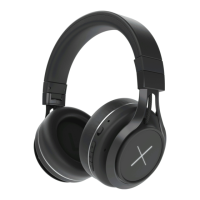
Kygo A9/600 to connect.



 To Next Page
 Loading...