Heavy Duty Code Reader
- 7 -
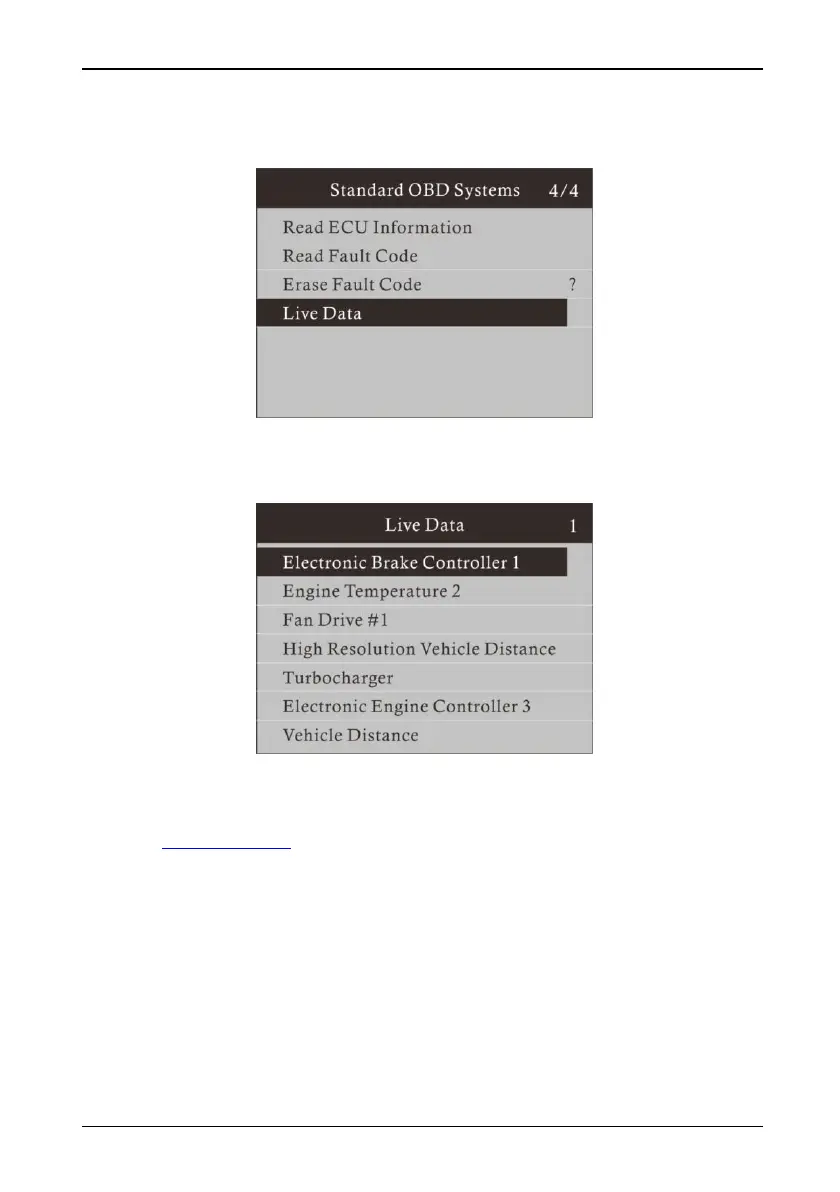
8. Live Data: Read the status of all current data stream timely.
9. Live data is displayed as follows, and users can browse by clicking up and down
buttons.
10. Update Software:
This function allows you to update the Coder Reader software through a computer.
(1) Go to www.kzyee.com.
(2) Register and login to download the update software.
(3) Connect the Code Reader to the computer with the supplied USB cable.
(4) Select the Update from the main menu, then press “Update”.
(5) Follow instructions on the Code Reader and computer.



 To Next Page