9
Global
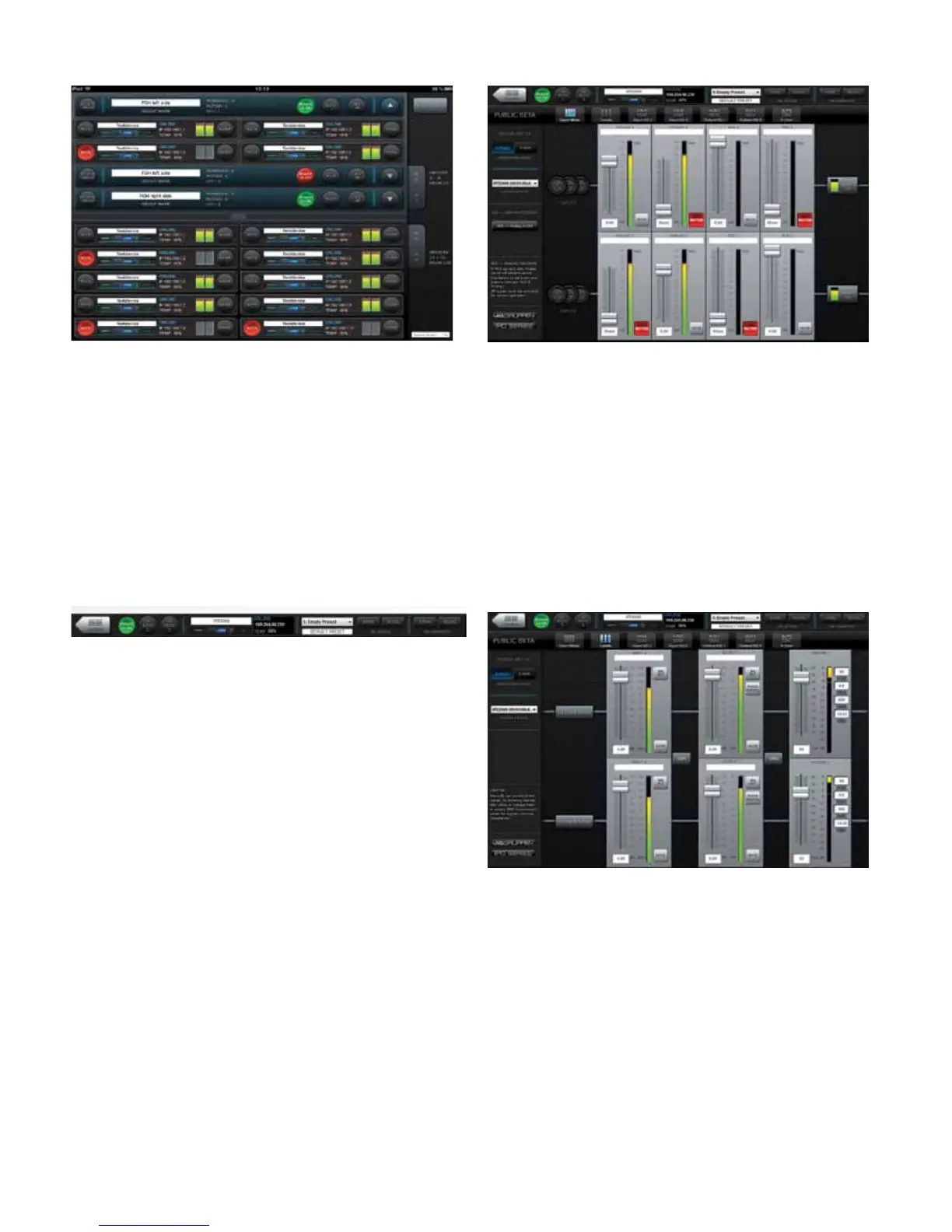
The Global view shows all devices on the network and accesses the
following functions:
• Naming devices (ampliers) and groups
• Forming groups of devices
• Creating and deleting groups
• Muting ampliers individually or in groups
• Power On/Off individually or in groups
• Monitoring of output levels
• Devices selected for a group are controlled simultaneously from any
of the device UI:s in that group.
Device Header
The device header panel appears at the top of each conguration
window for a selected device. The header panel accesses the following
functions and information:
Return to Global
• Power on/off
• Output mute (per channel)
• Device name
• Online/Ofine indication
• IP address
• Temperature reading
• Current preset
Preset store and recall (device or computer)
Input Mixer
The Input Mixer view accesses the following functions:
• Device set-up (stereo or 2-way mode)
• Input mixing
• AES3 to analog failover on/off
Levels
The Levels view accesses the following functions:
• Input Mix Bus Levels
• Output levels
• Output limiters
• Linking of inputs and outputs.



 To Next Page