2
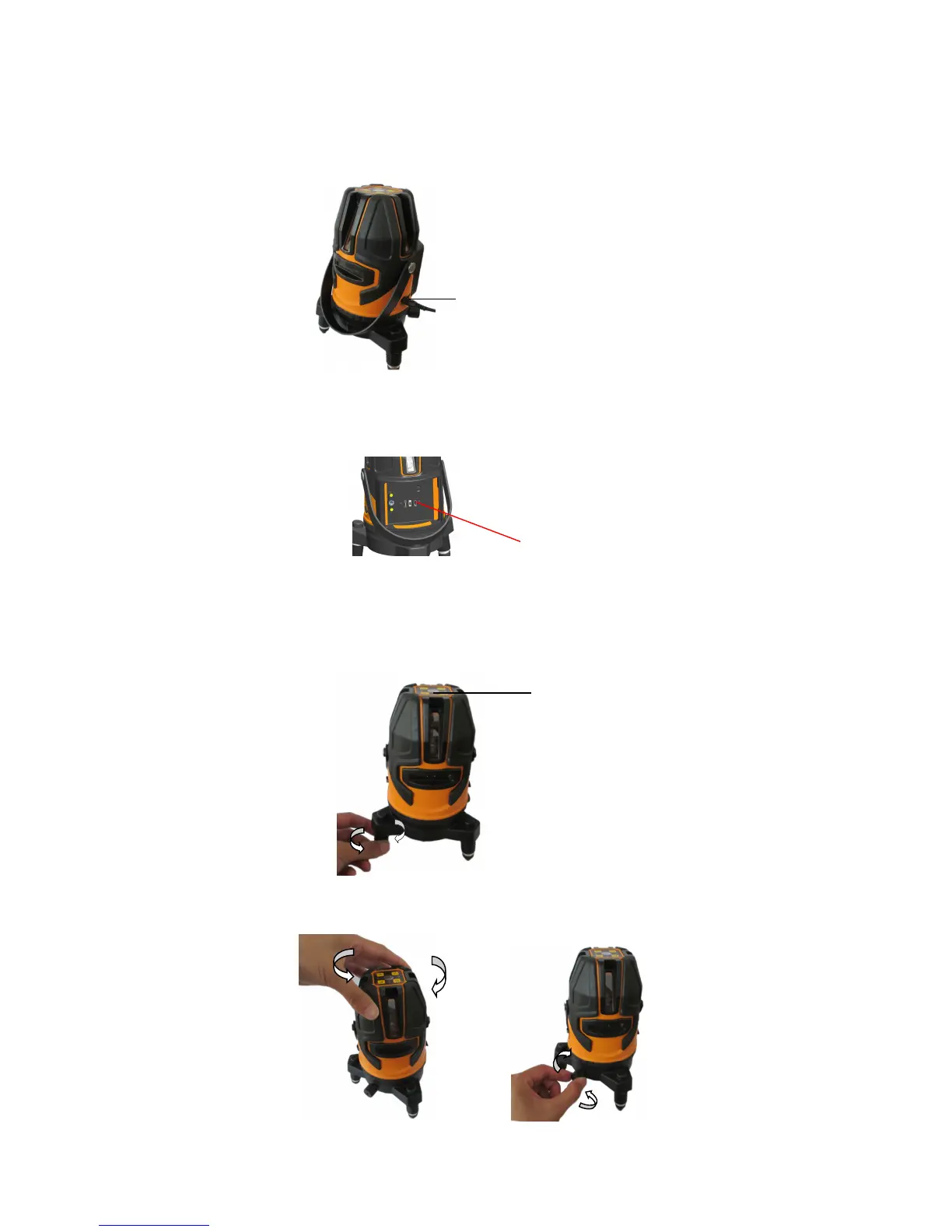
4.3 Using the adapter
Connect the instrument with the adapter by the external power supply socket.
4.4 Use the Micro USB port
Instrument can get power supply from power bank by connect it to the Micro USB port inside the battery box.
4.5 Adjust the adjustable supporting leg
When using the instrument, you could adjust 3pcs supporting foot to make the round vial in center, if the laser line flash
and with the buzzer sound, which shows the instrument is out of self-leveling range, please adjust the round vial in
center.
4.6 Instrument rotate horizontally and fine adjusting


 To Next Page