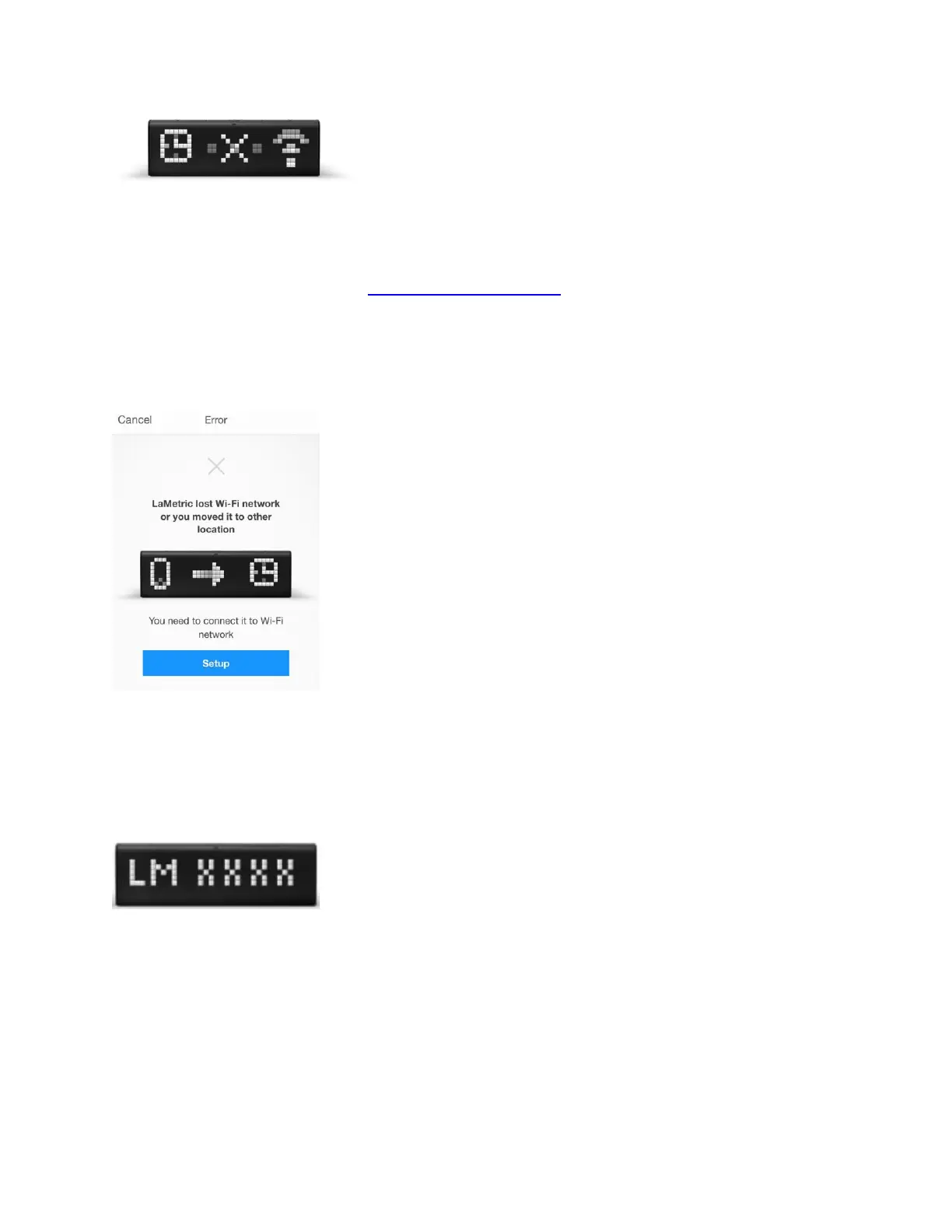
, it means LaMetric lost Wi-Fi, it may happen when the device was moved to another
place. Tap on the same image on the screen, then click on Setup and begin the
configuration process.
Please make sure your network is supported by LaMetric.
Now you can see the unique name of your LaMetric on the screen.
You should connect your smartphone or tablet to the Wi-Fi network with this name.
For iPhone users, just press the Home button on your smartphone and go to your
iPhone’s Wi-Fi settings.



 To Next Page