❒ LIGHTING
❒ PANEL DIFFUSER
❒ SPEED BEEP
❒ LIGHT SENSOR (for versions/markets, where
provided)
❒ CORNERING LIGHTS
❒ TRIP B ACTIVATION/DATA
❒ SET TIME
❒ SET DATE
❒ FIRST PAGE (for versions/markets, where
provided)
❒ AUTOCLOSE
❒ MEASUREMENT UNIT
❒ LANGUAGE
❒ BUZZER VOLUME
❒ BUTTON VOLUME
❒ BELT BUZZER
❒ SERVICE
❒ PASSENGER'S SIDE AIR BAG (for versions/
markets, where provided)
❒ EXIT MENU
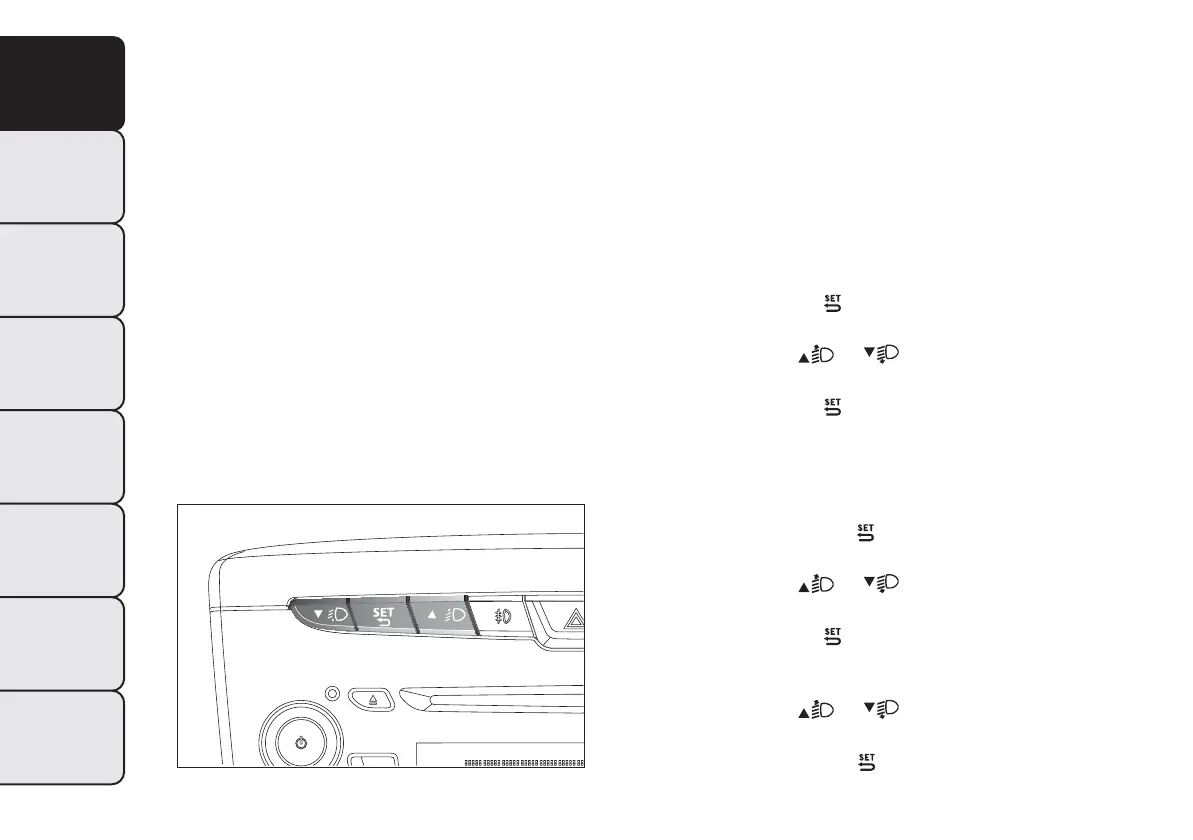
Selecting an option from the main menu without a
submenu:
❒ briefly press the
button to select the main
menu option to be set;
❒ press buttons
or (with single presses) to
select the new setting;
❒ briefly press the
button to store the new
setting and to go back to the main menu option
selected previously.
Selecting an option from the main menu with a
submenu:
❒ a short press on the
button will display the
first submenu option;
❒ press buttons
or (with single presses) to
scroll through all the submenu options;
❒ briefly press the
button to select the displayed
submenu option and to open the relevant set-up
menu;
❒ press buttons
or (with single presses) to
select the new setting for this submenu option;
❒ Briefly press button
to store the new setting
and at the same time go back to the previously
selected menu option.
fig. 8
L0F0042
12
GETTING TO
KNOW YOUR CAR
SAFETY
STARTING
AND
DRIVING
WARNING LIGHTS
AND MESSAGES
IN AN EMERGENCY
SERVICING AND
MAINTENANCE
TECHNICAL
SPECIFICATIONS
INDEX
The menu comprises the following options:
❒ MENU


 To Next Page
 Loading...