FW-8894 User Manual
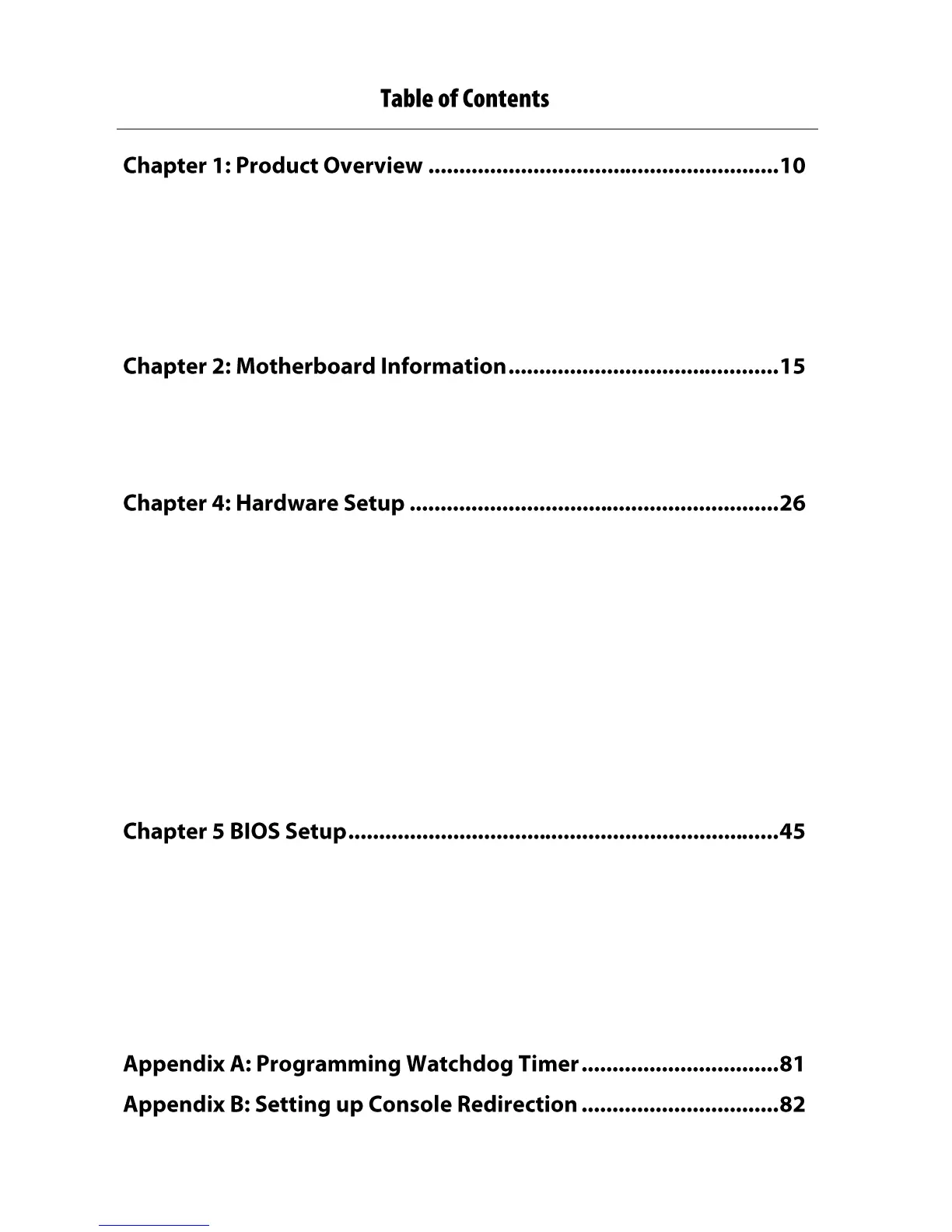
Package Content ........................................................................................................................ 10
Ordering Information ................................................................................................................ 11
Compatible Accessories............................................................................................................. 11
System Specifications ................................................................................................................ 12
Front Panel ................................................................................................................................ 13
Block Diagram ............................................................................................................................ 15
Motherboard Layout ................................................................................................................. 16
Jumper Setting and Connector Pin-out ..................................................................................... 17
Preparing the Hardware Installation ......................................................................................... 26
Installing CPU and the Heat Sink ............................................................................................... 27
Installing the System Memory .................................................................................................. 32
Installing the CFast Card ............................................................................................................ 34
Installing the NIC Modules ........................................................................................................ 38
Replacing the Power Supply Units ............................................................................................ 40
Replacing the Cooling Fans........................................................................................................ 41
Rack Mounting .......................................................................................................................... 42
Attaching the rails to the system .............................................................................................. 42
Main Setup ................................................................................................................................ 46
Advanced Setup ......................................................................................................................... 47
IntelRC Setup ............................................................................................................................. 63
Security Setup ............................................................................................................................ 75
Boot Setup ................................................................................................................................. 78
Save and Exit Setup ................................................................................................................... 79


 To Next Page
 Loading...
