I
PRECAUTIONS
If it becomes necessary to transport or ship this unit in the
future, be sure to first remove the disc (if loaded), retract the disc
table to its closed position and turn the power off. After the
"OFF" display goes out on the display, disconnect the power
cord.
INSTALLING THE PLAYER
• Place the player on a stable platform next to the television and
stereo system to be used with the player.
.When using the player with a stereo system, your speakers
should be placed away from your television (or TV monitor).
• Do not place heavy objects such as a television or TV monitor on
top of the player.
• Do not place the player on top of your TV set or TV monitor. Also,
keep the player away from devices such as cassette decks which
are sensitive to magnetic fields.
When FM or AM stations are being received, signal noise may be
generated if the player is turned on. Turn off the player when not
in use. Also, ifthere is a signal noise when receiving radio stations
with an indoor antenna, adjust the position or direction of the
antenna.
INSTALL THE PLAYER IN A WELL VENTILATED PLACE
AWAY FROM HEAT AND HUMIDITY
Do not install the player in a location subject to direct sunlight, or
near a stove or radiator, etc. This could adversely affect the cabinet
and internal components. Also avoid installing the player in a
humid or dusty location. This could result in a malfunction or
accident. Do not install near a cookstove where the player could be
affected by smoke, steam, or heat.
AVOID SOURCES OF HEAT
Do not put the player on sources of heat, such as an amplifier.
When installing with audio components on a rack, avoid
components that generate heat, by placing the player below such
components where there is adequate ventilation and not much
dust.Avoid placing the player on surfaces such as shaggy carpets,
beds, and sofas which may block ventilation under the player and
cause damage.
CAUTIONS FOR AUTOMATIC LOADING
OPERATIONS
Since this player has an automatic loading construction, use the
button on the player or the remote control unit for opening and
closing of the disc table. To avoid damage, be careful not to
apply any force to the moving disc table.
Even when the player is in the pause mode, the disc-drive motor
is still revolving. Since leaving the player in this condition can
shorten the lifetime ofthe motor, do not leave the player in the
pause mode for a long period of time. Also, to prevent the
damage to the screen, do not use the unit for a long period of
time under conditions in which the screen display (monitor) has
been displayed characters (for example, power-ON mode, CD
PLAY, PAUSE).
CAUTION WHEN INSTALLING IN A RACK HAVING A
GLASS DOOR
Be careful to install so that when the disc table is opened by remote
control it does not hit the glass door. Strong force against movement
of the disc table may cause breakdown.
Take the following precautions to avoid accidents!
Be careful not to catch your finger in the disc table section while
the disc table is being retracted into the unit. Also, be careful
that children do not put their hands inside the unit while the disc
table is open. This may cause injury.
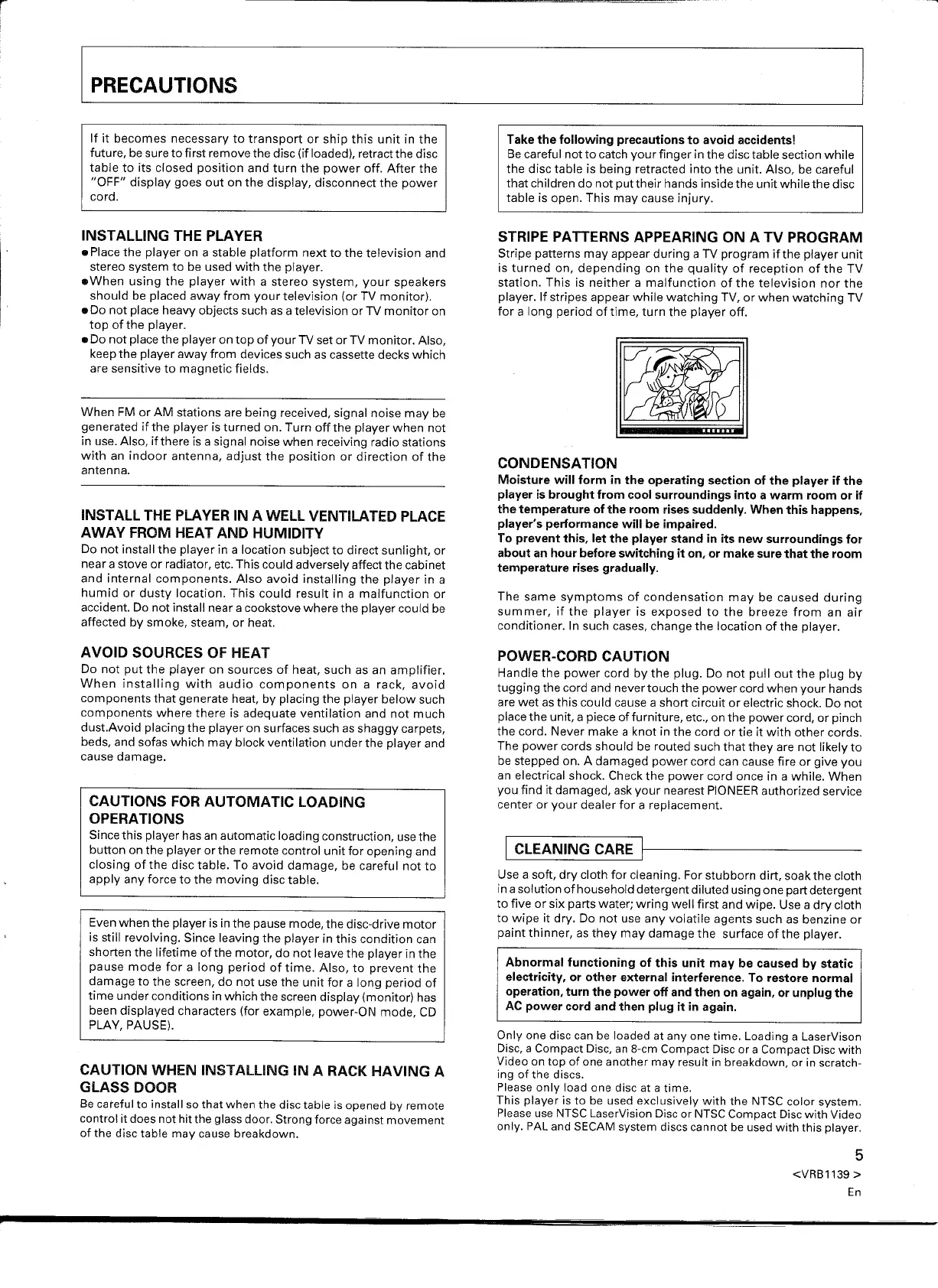
STRIPE PATTERNS APPEARING ON A TV PROGRAM
Stripe patterns may appear during a TV program ifthe player unit
is turned on, depending on the quality of reception of the TV
station. This is neither a malfunction of the television nor the
player. If stripes appear while watching TV, or when watching TV
for a long period oftime, turn the player off.
~
~
CONDENSATION
Moisture will form in the operating section of the player if the
player is brought from cool surroundings into a warm room or if
the temperature of the room rises suddenly. When this happens,
player's performance will be impaired.
To prevent this, let the player stand in its new surroundings for
about an hour before switching it on, or make sure that the room
temperature rises gradually.
The same symptoms of condensation may be caused during
summer, if the player is exposed to the breeze from an air
conditioner. In such cases, change the location of the player.
POWER-CORD CAUTION
Handle the power cord by the plug. Do not pull out the plug by
tugging the cord and never touch the power cord when your hands
are wet as this could cause a short circuit or electric shock. Do not
place the unit, a piece of furniture, etc., on the power cord, or pinch
the cord. Never make a knot in the cord or tie it with other cords.
The power cords should be routed such that they are not likely to
be stepped on. A damaged power cord can cause fire or give you
an electrical shock. Check the power cord once in a while. When
you find it damaged, ask your nearest PIONEER authorized service
center or your dealer for a replacement.
1
CLEANING CARE
1---------
Use a soft, dry cloth for cleaning. For stubborn dirt, soak the cloth
in a solution of household detergent diluted using one part detergent
to five or six parts water; wring well first and wipe. Use a dry cloth
to wipe it dry. Do not use any volatile agents such as benzine or
paint thinner, as they may damage the surface of the player.
Abnormal functioning of this unit may be caused by static
electricity, or other external interference. To restore normal
operation, turn the power off and then on again, or unplug the
AC power cord and then plug it in again.
Only one disc can be loaded at anyone time. Loading a LaserVison
Disc, a Compact Disc, an 8-cm Compact Disc or a Compact Disc with
Video on top of one another may result in breakdown, or in scratch-
ing of the discs.
Please only load one disc at a time.
This player is to be used exclusively with the NTSC color system.
Please use NTSC LaserVision Disc or NTSC Compact Disc with Video
only. PAL and SECAM system discs cannot be used with this player.
5
<VRB1139
>
En


 To Next Page
 Loading...