CONTACT INFORMATION
ARMING AT NIGHT
ARMING AND DISARMING
7
8
NOTE:
When returning, a warning tone will beep for 20 seconds to remind you to Disarm.
NOTE:
Remember to press Bypass button to re-enable unit before leaving your premises.
MAU will always announce any bypassed unit during arming.
WDU Panic buttons still work during Bypass mode.
Please contact LaserShield Customer Care at 1-800-ALARM-55 if you have any
questions, or visit our web site at www.lasershield.net to get the latest information
on using your LaserShield Security System.
LaserShield
®
Security Systems, Inc.
LaserShield Customer Care
LaserShield Systems, Inc.
277 E. Amador, Suite 304
Las Cruces, NM 88001
© 2008 LaserShield
®
Systems, Inc. All Rights Reserved.
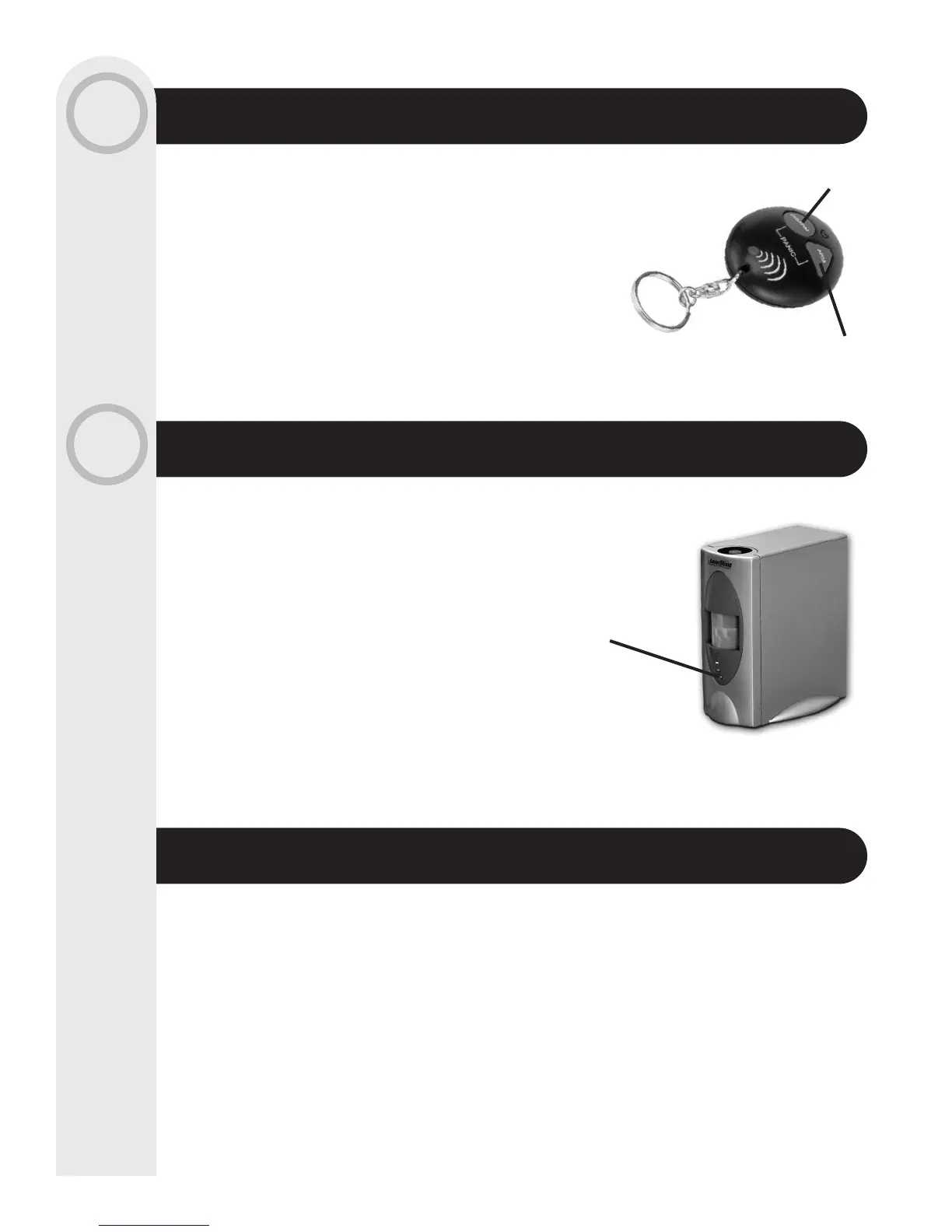
Press RIGHT Button to Arm
Press LEFT Button to Disarm
• When you leave the premises, press the Arm button
on your Keychain Remote to arm the system
(MAU will announce "LaserShield Arming")
• Exit within 60 seconds
• When you return to the premises, press the Disarm
button on your Keychain Remote to disarm the system
(MAU will announce "LaserShield Disarmed")
Press Button
to Bypass
• If you wish to bypass a Wireless Detection Unit
(e.g. in a bedroom)
press the Bypass button on that unit
• Press the Arm button on your Keychain Remote
(MAU will announce "LaserShield disarmed,
Satellite number X bypassed, fix
the condition or press the arm
button again to force arming")
• Press the Arm button a second time
(MAU will announce "forced arming")



 To Previous Page
 Loading...