1
1. Phone Layout
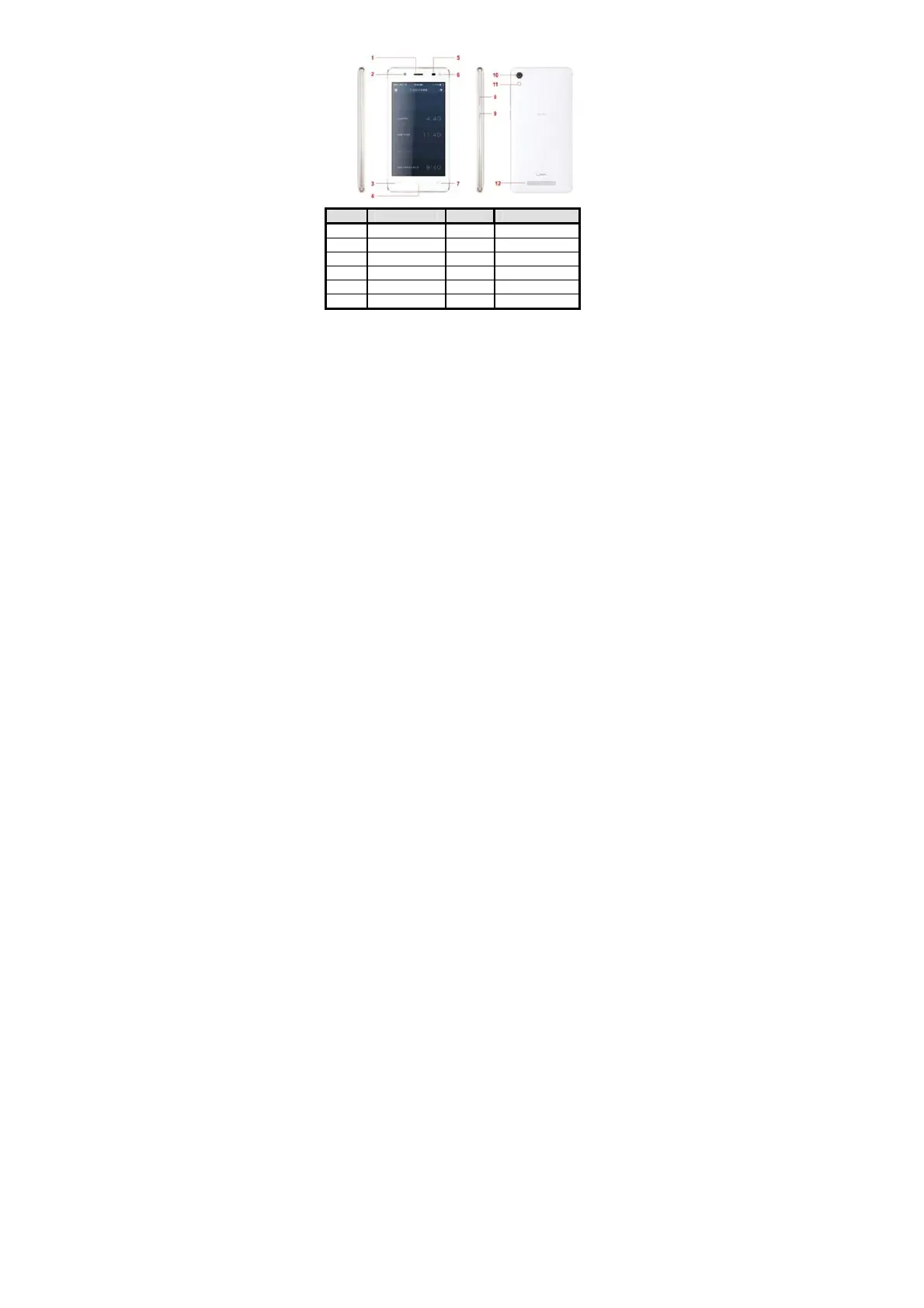
1.1. Key and Parts
Label Key Label Key
1 Receiver 7 Back key
2 Front camera 8 Volume Key
3 Menu Key 9 Power Key/Lock key
4 Home Key 10 Rear camera
5 Light sensor 11 Rear flash light
6 Front flash light 12 Speaker
2. Getting Stared
Please read the safety instructions in the "Safety Information and Notices" section
before use.
2.1. Inserting the SIM card
iris 702 is a dual SIM mobile phone allowing you to use the facility of two
networks. To insert SIM card(s):
Switch off the mobile phone and remove the rear cover.



 To Next Page