STABILIZATION ALERT
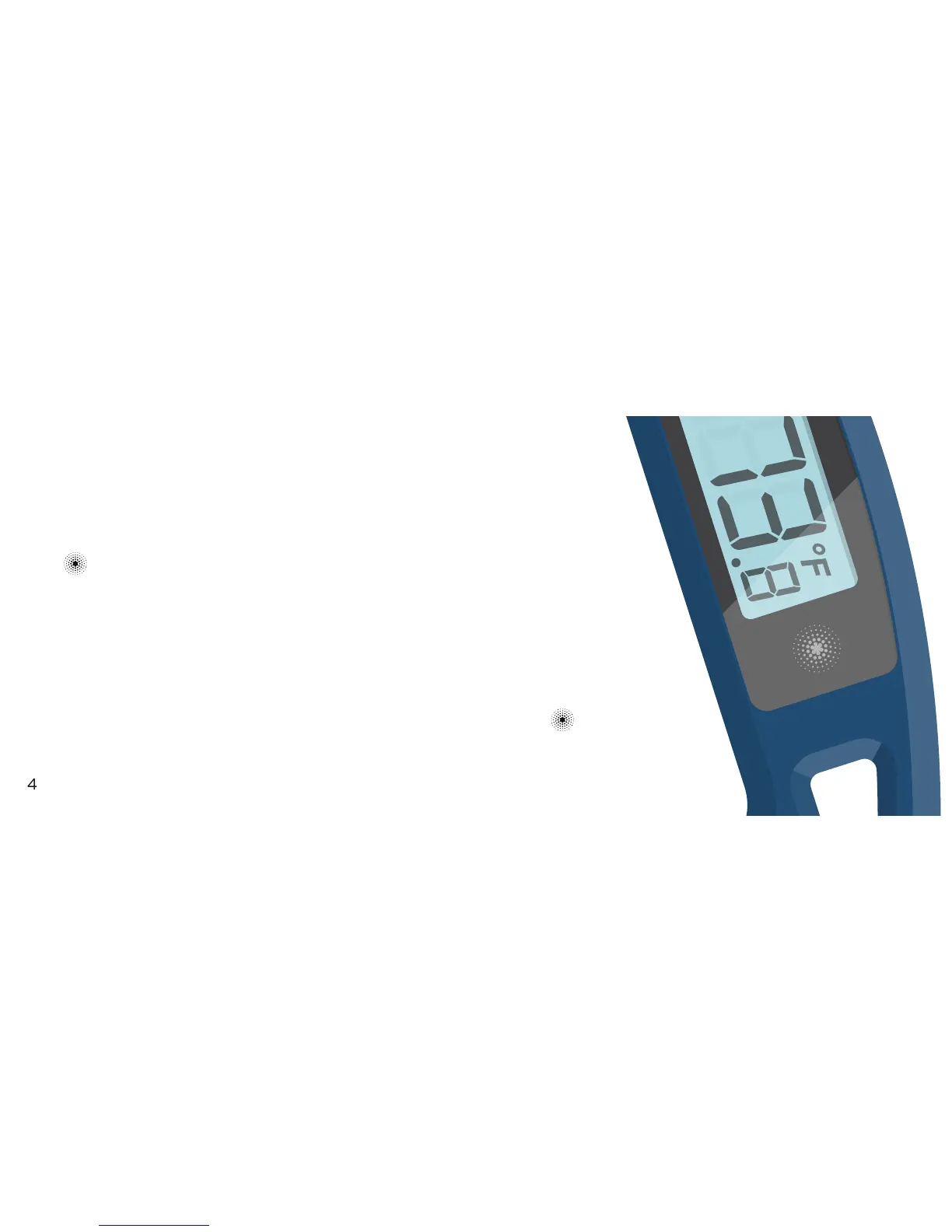
Insert the probe into your food and hold the
icon. The word HOLD will start blinking
and after a few seconds, a double chime will
sound when the temperature has stabilized.
The stabilized temperature remain on the
display as long as you are holding the icon.
Release your finger to return to normal.


 To Next Page