LaVie purification system user manual
8/15 V.1.1 08/28/19
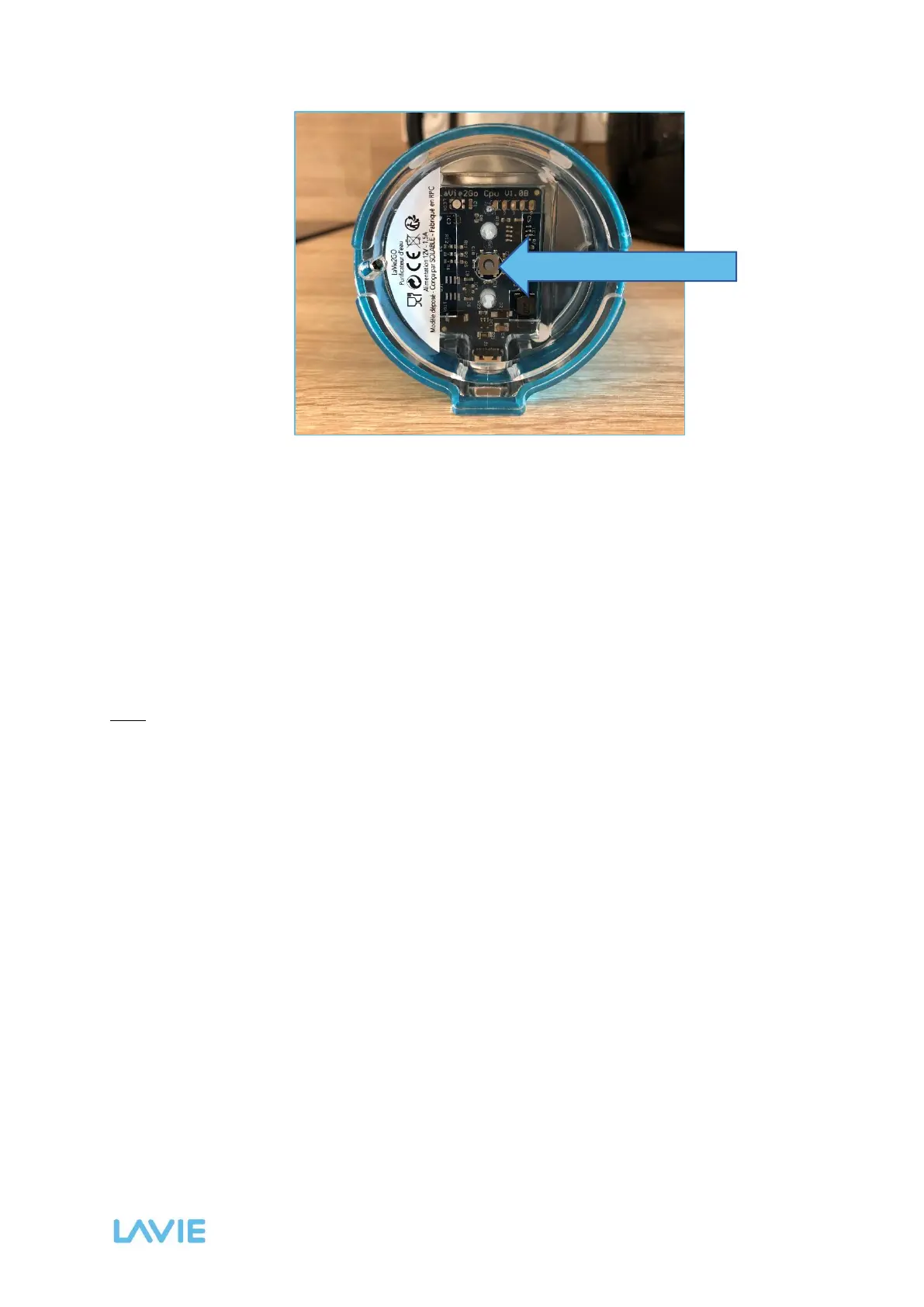
Figure 3: Bottom view of the LaVie case. The arrow points to the trigger button.
3. If necessary using a thin object such as a pencil, push the trigger button. The unit emits
a GREEN color corresponding to the 15 minutes standard mode. Push the trigger
button again: the color emitted by the case turns to BLUE, indicating the transition from
standard to intermediate mode.
4. Push the trigger button again to turn the emitted color to RED, indicating the transition
to intensive mode. An additional push resets the unit to the standard mode, following
the order established below:
…→ GREEN → BLUE → RED → GREEN → BLUE →…
The settings are then saved and the case will emit the color corresponding to the last mode
selected during subsequent use of the device.
Note: it is not possible to change the operating mode during treatment.



 To Next Page