3
SD card slot
Reset
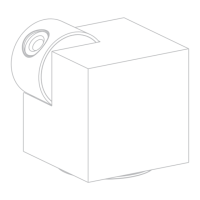
1 Stick the adhesive pad in the middle of camera
bottom
Support local SD Card storage
(Max.128GB)
Press and hold for 5 seconds
with pin to reset the device (if
you have modified settings,
then they will return to factory
defaults)
Install
English
Peel off the sticker and
apply it to the circle


 To Next Page
 Loading...