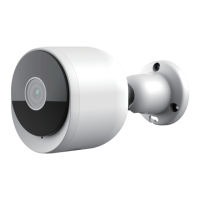
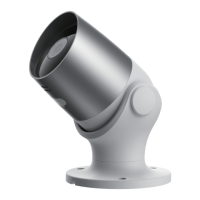
Few notice before adding the device
6
Step 2 Input Verification Code and create a password
which is required a combination of numbers and
letters, not less than 6 digits. Then click "Log In".
Note: Make sure your router, camera, and
mobile phone are nearby.
QR Code Configuration
1. This camera only supports 2.4GHz WiFi network, so
please make sure you are using a wireless router that
supports 2.4GHz band.
2. Please follow the instructions and make sure the
password is inputted correctly.
English


 To Next Page
 Loading...