Step 3
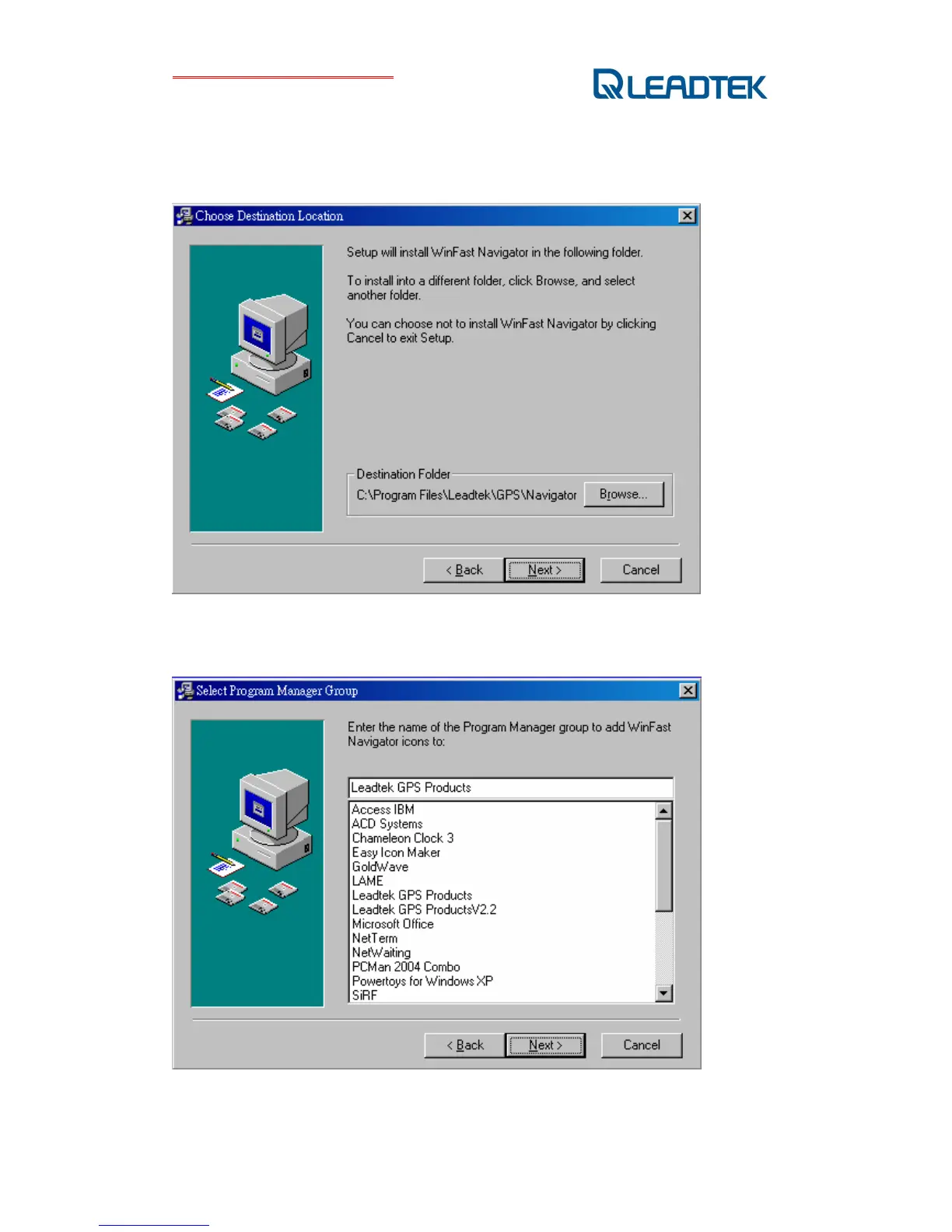
The dialog box of Destination Location appears, showing the default destination folder. To
change it, click Browse to select a different folder for installation. If you do not wish to change
the destination folder, click "Next".
Step 4
Select ”Leadtek GPS Products”, and then click “Next”.



 To Next Page