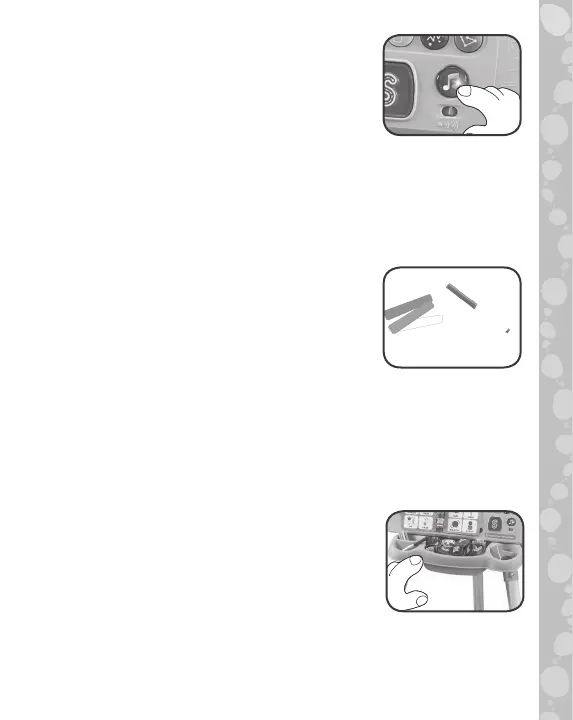
6. Light-Up Music Button
Press to hear four learning songs
about the alphabet, colors, shapes and
creativity while the light blinks along.
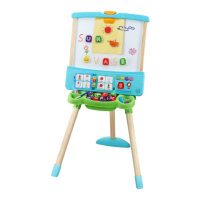
7. Erasable Marker and Three Chalk Pieces
Use the included Erasable Marker for
activities on the whiteboard side and
to draw directly onto the Six Magnetic
Shape Tiles. Wipe the whiteboard with
a damp cloth, dry with a dry cloth, and
do it all over again! Use the included
Chalk to write, draw or create art with,
or trace around the Shape Tiles on the
Blackboard side.
8. Storage Tray
Store all 26 magnetic Letter Tiles, six
magnetic Shape Tiles, Erasable Marker
and three Pieces of Chalk.
18





 To Next Page