Lear Car2U™ Home Automation System
Lear Car2U System Owner’s Guide Page 9
Erasing the Car2U™ System Buttons
NOTE
The system allows for three devices to be programmed. If you need to change or replace
any of the three devices after it has been initially programmed, it will be necessary to erase
the current settings using the Erasing the Car2U System buttons procedure and then
reprogram ALL of the devices being used.
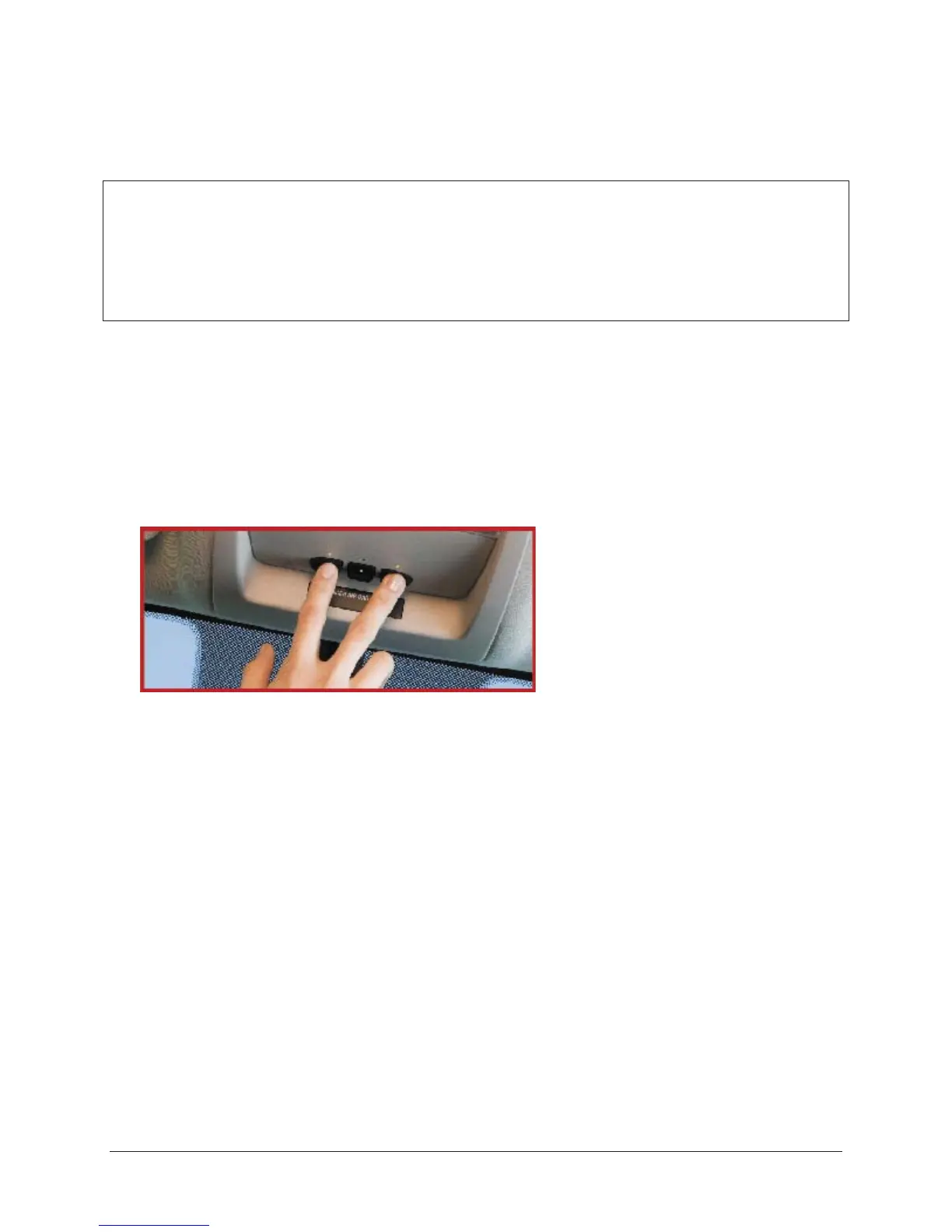
To erase fixed code programming from the Car2U System, use the following
procedure.
1. Firmly press the 2 outside Car2U System buttons simultaneously for
approximately 20 seconds until the indicator lights begin to blink rapidly. The
indicator lights are located directly above the buttons.
2. Once the indicator lights begin to blink, RELEASE your fingers from the
buttons. The codes for all buttons are erased.
If you sell your vehicle equipped with the Car2U System, it is recommended that
you erase the programming for security reasons.



 To Next Page