Website: www.ledlight.com Email: sales@ledlight.com Page 2 of 3
3:Fabrication processing: multicolor printing & UV varnish
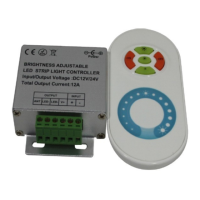
Ⅱ:Technical Parameters(controller)
1. Working voltage:DC12V/24V
2. Output control: 1 circuit
3. Control current:6A
4. Connecting method: common anode
5:Wireless frequency:433.92MHz
6. Receiving range:20 meters
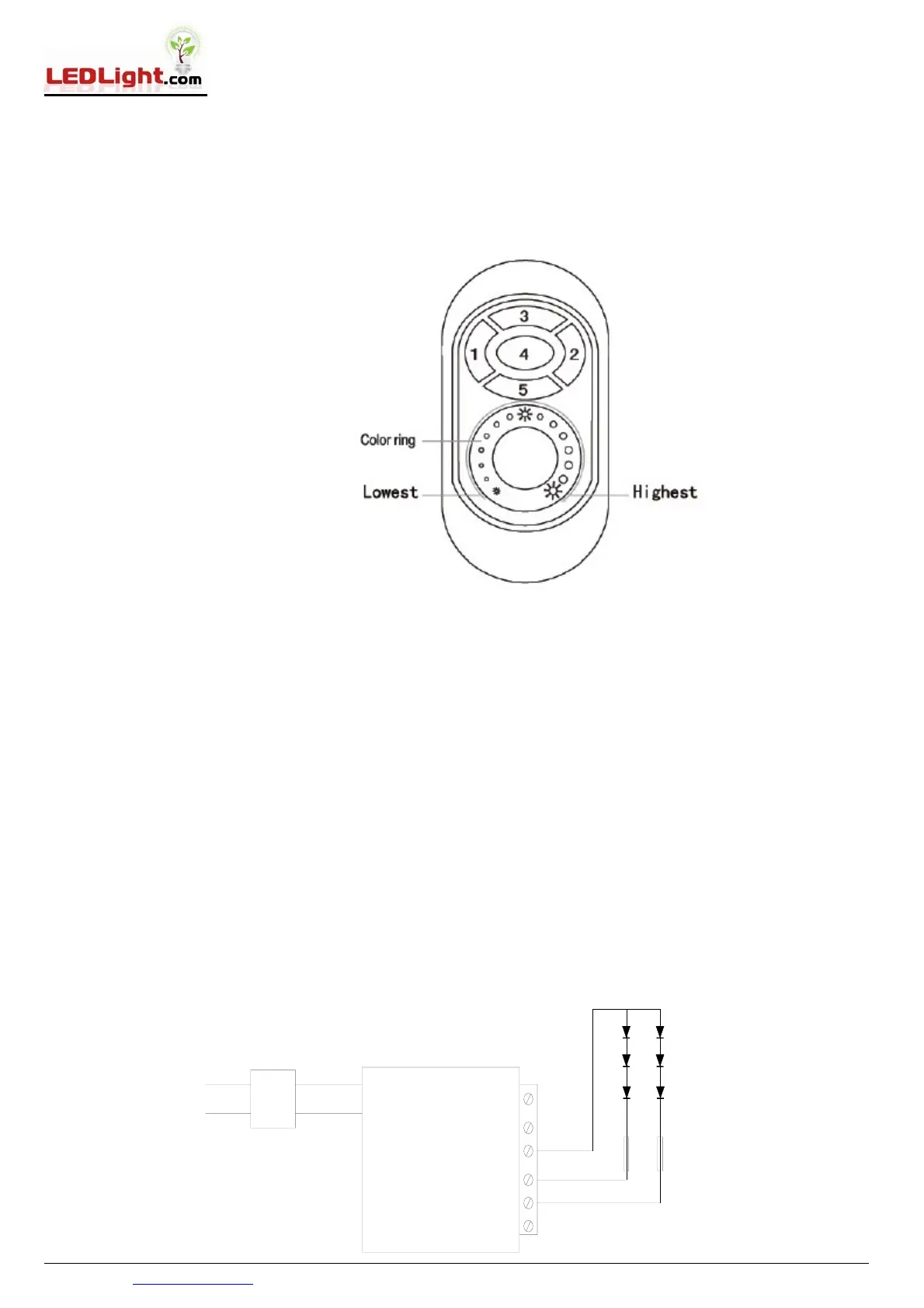
Ⅲ:Functions of Keys
1. Key 1: on
2. Key 2: off
3. Key 3:highest brightness
4. Key 4: medium brightness
5. Key 5: lowest brightness
Ⅳ. How to use
1.Brightness Adjusting :Use your finger to touch the color ring ,you can change the brightness from the highest to the
lowest(100%-1%) .
2. Resume function. The previous settings will be resumed while power on again.
3. Matching code
Press Key 3 once within 3 seconds when power on again, the light will blink 3 times if matching is successful.
4.Clearing Code
Press Key 3 five times within 3 seconds when power on again, the light will blink 6 times if clearing is successful.
Ⅴ:Caution:
Please don’t touch or press the color ring while loading the batteries to protect the sensitiveness. Please use the
remote controller 3 seconds after the batteries are loaded. Please reload the batteries when you find the color ring is
not sensitive.
Ⅵ: Connecting Chart
POWER1
AC
DC12V/24V
AC TO DC
+
-
POWER2
ANT


 To Next Page
 Loading...