shop.ledvanceus.com
Outdoor Camera
171
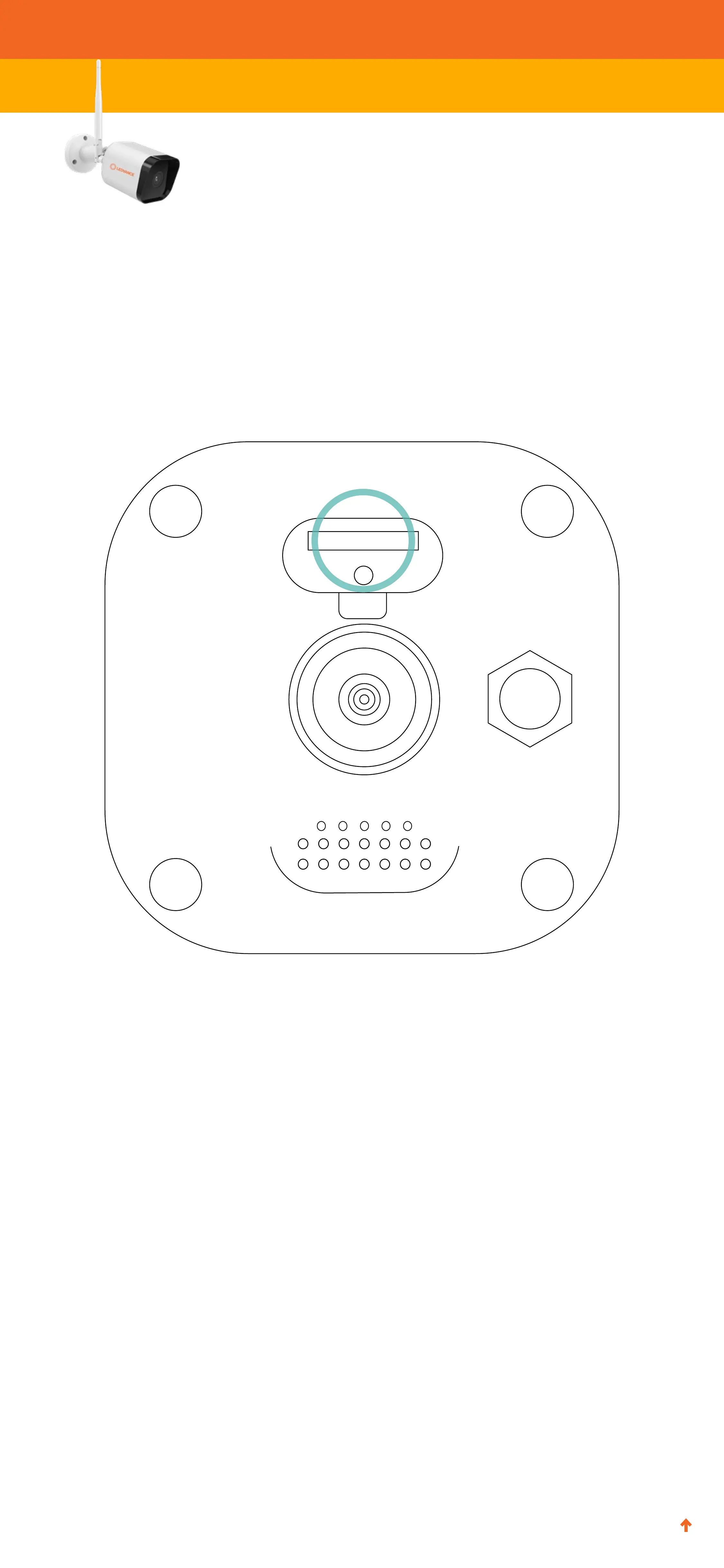
4. If is it not already, fully insert your preferred microSD card in
the microSD card slot. (You may need a small tweezers
or pliers to remove a card.) Note: microSD cards larger than
32GB must be formatted prior to use, using the SYLVANIA
Smart WiFi app. Instructions are on the next page.


 To Next Page