shop.ledvanceus.com
Outdoor Pan & Tilt Camera
232
How do I pair the Outdoor Pan & Tilt Camera
to the SYLVANIA Smart WiFi app? (cont.)
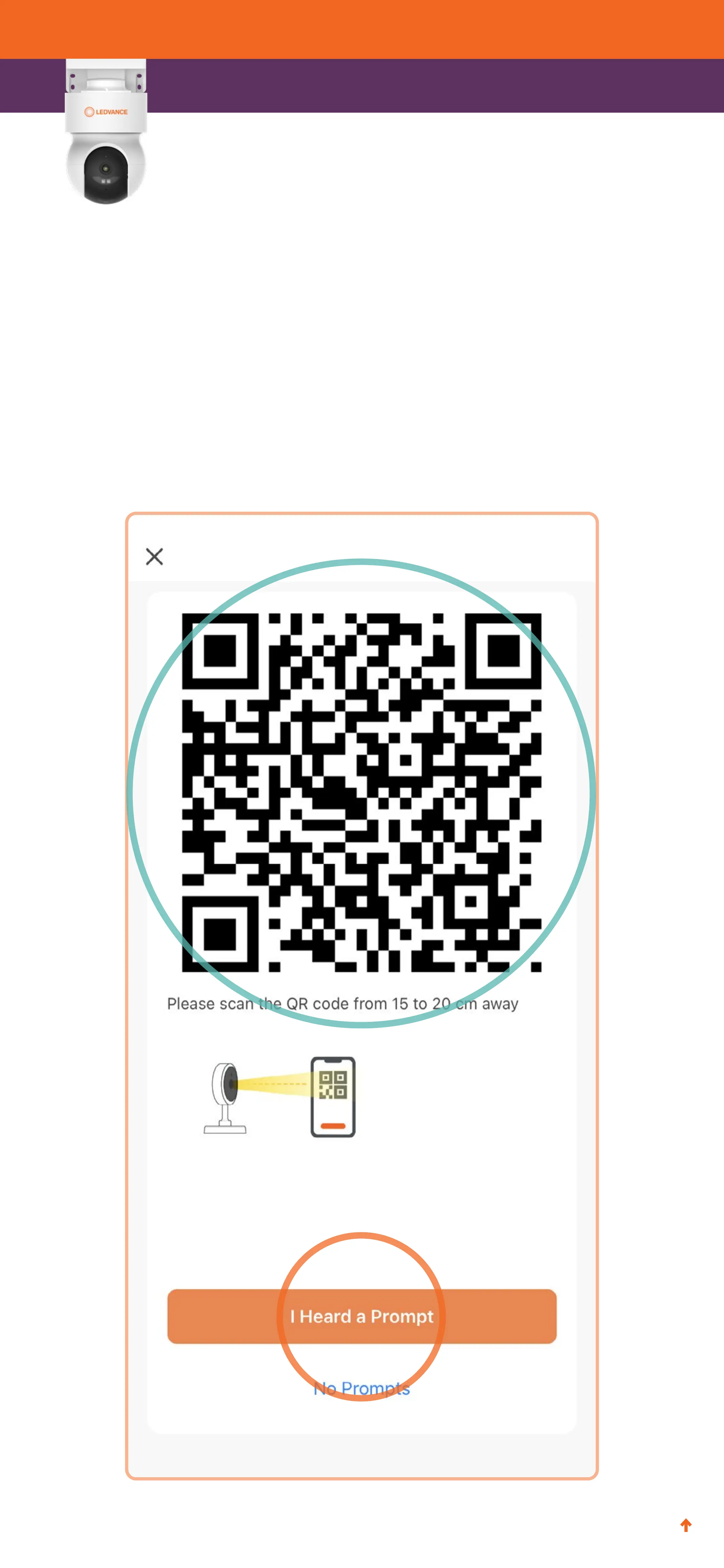
10. Your phone will display a QR code like the one below. Hold
your phone screen in front of the camera, about 8” away, to
allow the camera to scan the code. When you hear a prompt,
tap I Heard a Prompt.


 To Next Page