shop.ledvanceus.com
Indoor Pan & Tilt Camera
86
How do I pair the Indoor Pan & Tilt Camera
to the SYLVANIA Smart WiFi app? (cont.)
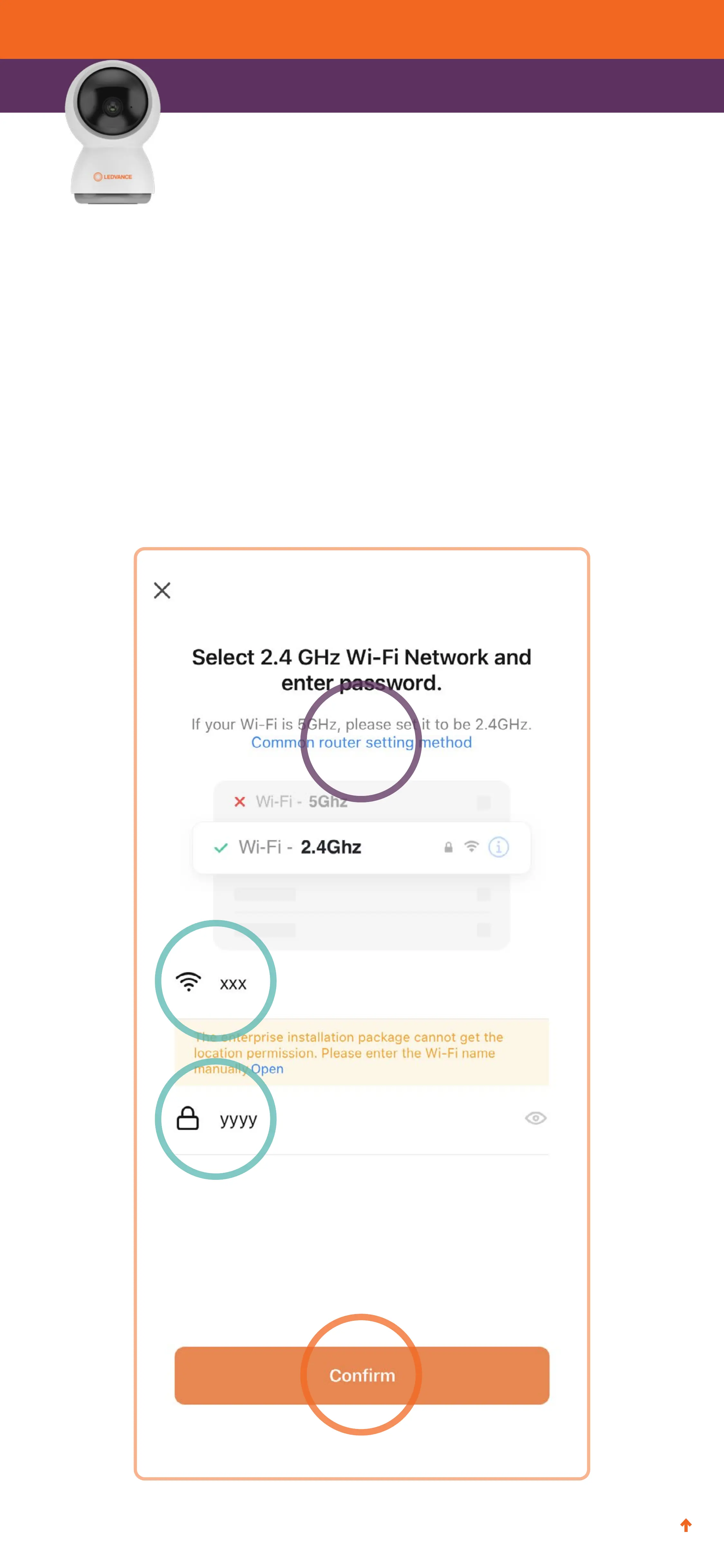
9. Enter your WiFi network name and password and tap
Confirm.
Note: SYLVANIA SMART
+
WiFi cameras require a 2.4GHz
network. Tap Common router setting method for help
setting up a 2.4GHz network if needed.


 To Next Page