2524
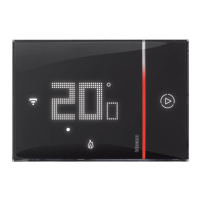
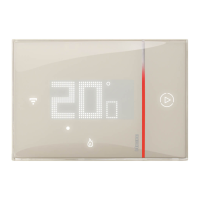
Thermostat with display
Installer manual
6 Programming
6.2 Temperature calibration detected
By pressing + and – at the same time it is possible to calibrate the measured temperature.
NOTE: to reset the factory calibration settings press
+ and – (> 7 seconds) at the same time; the
thermometer icon starts flashing quickly.
Keep pressing the keys; after a further 7 seconds the thermometer icon stops flashing, and the
manual calibration is deleted.
The thermometer returns to the factory calibration settings.
Press
+ and – at the same time
(> 7 seconds); the thermometer icon
starts flashing quickly. Release the
keys
After releasing the keys, it is possible to increase
or decrease the temperature detected using
+
and
– .
Wait a few seconds, or press MODE or FAN to
terminate the procedure.
NOTE: after the first installation wait for at least 5 hours before carrying out the calibration proce-
dure.


 To Next Page
 Loading...