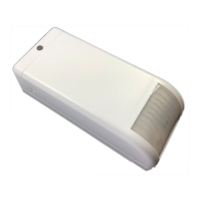
7PIR II User manual - NE41 19003-00 v1.2
4.2.1 On/O buttons
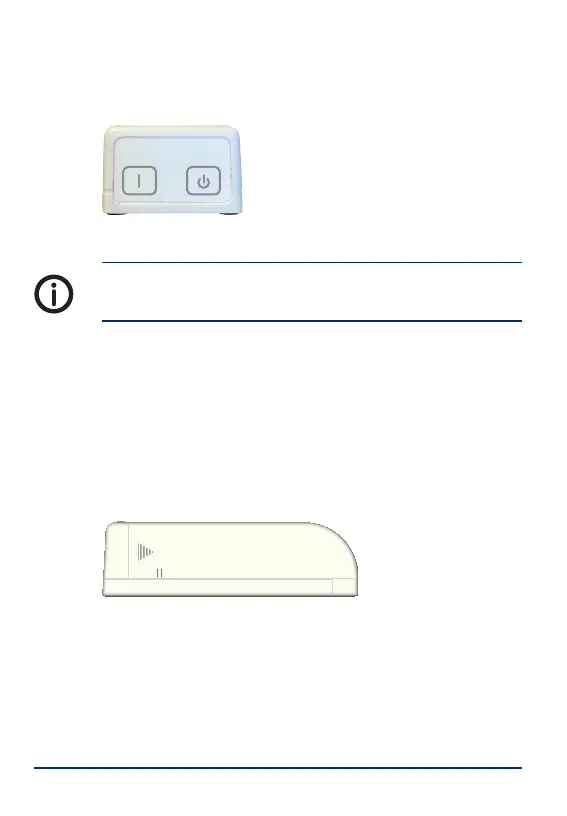
The On/O buttons are located on the top of the unit.
ON
OFF
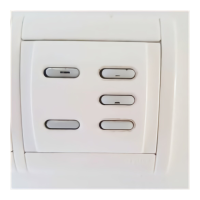
Picture 3. PIR II ON/OFF buttons.
The batteries must be removed in order to completely
turn o the unit.
4.2.2 REED switches
The REED switches (S2 and S3) are magnetic swit-
ches that make it possible to use the PIR II as a DOOR
alarm together with the accompanying door magnet,
see „6 IDA (Intelligent Door Alarm)“.
There are two small lines on each side of the PIR II
cover to indicate where the REED switches are loca-
ted.
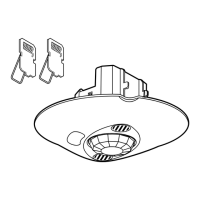
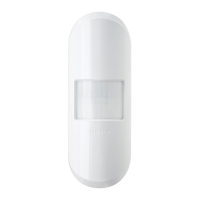
Picture 4. Side view of PIR II.
4.2.3 Function switch
The function switch (S1) is used for pairing with other
radio units, e.g. a NOVO. See „7 Pairing“.


 To Next Page
 Loading...