19
installation & setup
step seven
|
set up your system
1
Download and launch the Smart Lights Thread app by Legrand. The app is
available on the App Store or on Google Play.
2
Connect your smart hub (WTH1) by following the smart hub installation guide
instructions and the self-guided app instructions.
3
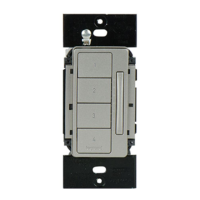
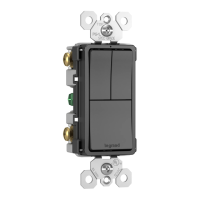
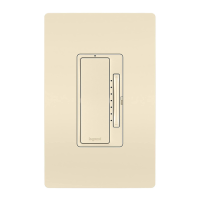
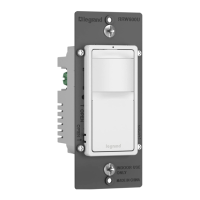
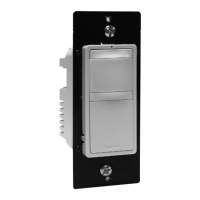
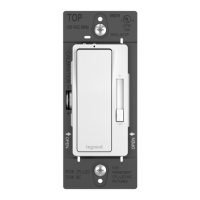
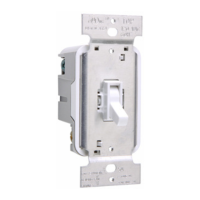
Connect your smart switch to the smart hub by following the instructions
within the app.
Google Play and the Google Play logo are trademarks of Google LLC. App Store is a service mark of Apple Inc., registered in the U.S. and other countries.


 To Next Page
 Loading...