1616
ROUTER TABLE OPERATION
R9PLUS Joinery System User Guide
Basic Jig Functions
Chapter 4
Side Stop
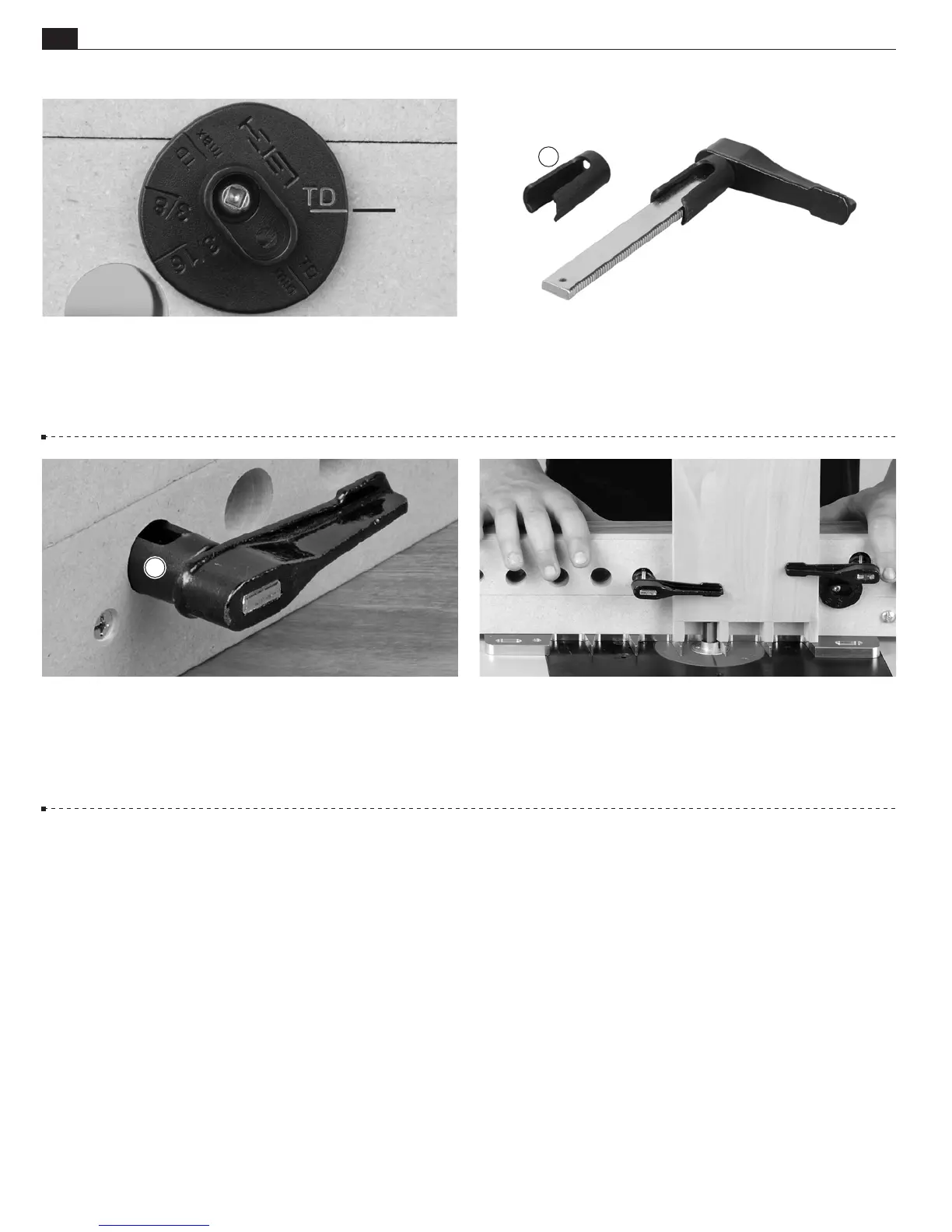
4-5 The side stop is set on one of the five positions, depending
on the part or type of joint being routed. The side stop pictured
above is in the TD (Through Dovetails) mode.
A
Clamping Procedure
4-6 Each of the F-Clamps included with the R9
PLUS is fitted
with a clamp locator
. The clamp locators are pressed onto the
clamp arm and should not be removed.
A
4-7
Squeeze the tips of the clamp locator
and insert through
a clamp hole in the beam. Clamp locators hold the clamp arm
firmly in place while the clamp’s screw arm is attached from the
opposite side of the beam.
4-8
All boards are clamped against the side stop and flat on the
template.
■



 To Next Page