4
Using umbrellas
Fitting other light shaping tools
To attach any accessory other than an umbrella, simply locate the bayonet lugs into the
corresponding bayonet sockets on your flash head, press gently against the spring pressure
and rotate clockwise until it clicks into place. When fitting large or heavy light shaping tools,
for example beauty dishes and softboxes, you may find it easier to lay the light shaping tool
face down on a carpeted surface and to then fit the head to it.
These instructions are simple because the process of setting up and using your lights is
simple. But please remember that if you have any queries or problems we welcome your
questions, which will be answered by an experienced professional photographer.
Any type of light modifying umbrellas may be used with the
SmartFlash 200 flash head.
Open the umbrella, pass its shaft through the slot in the standard
reflector and into the umbrella tube. The umbrella tube contains a
spring clip to hold the umbrella in place, and firm pressure is
needed to insert the umbrella shaft.
Different creative effects are available, depending on the type of
umbrella and the degree to which the light fills the umbrella as well
as the distance between the umbrella and the subject.
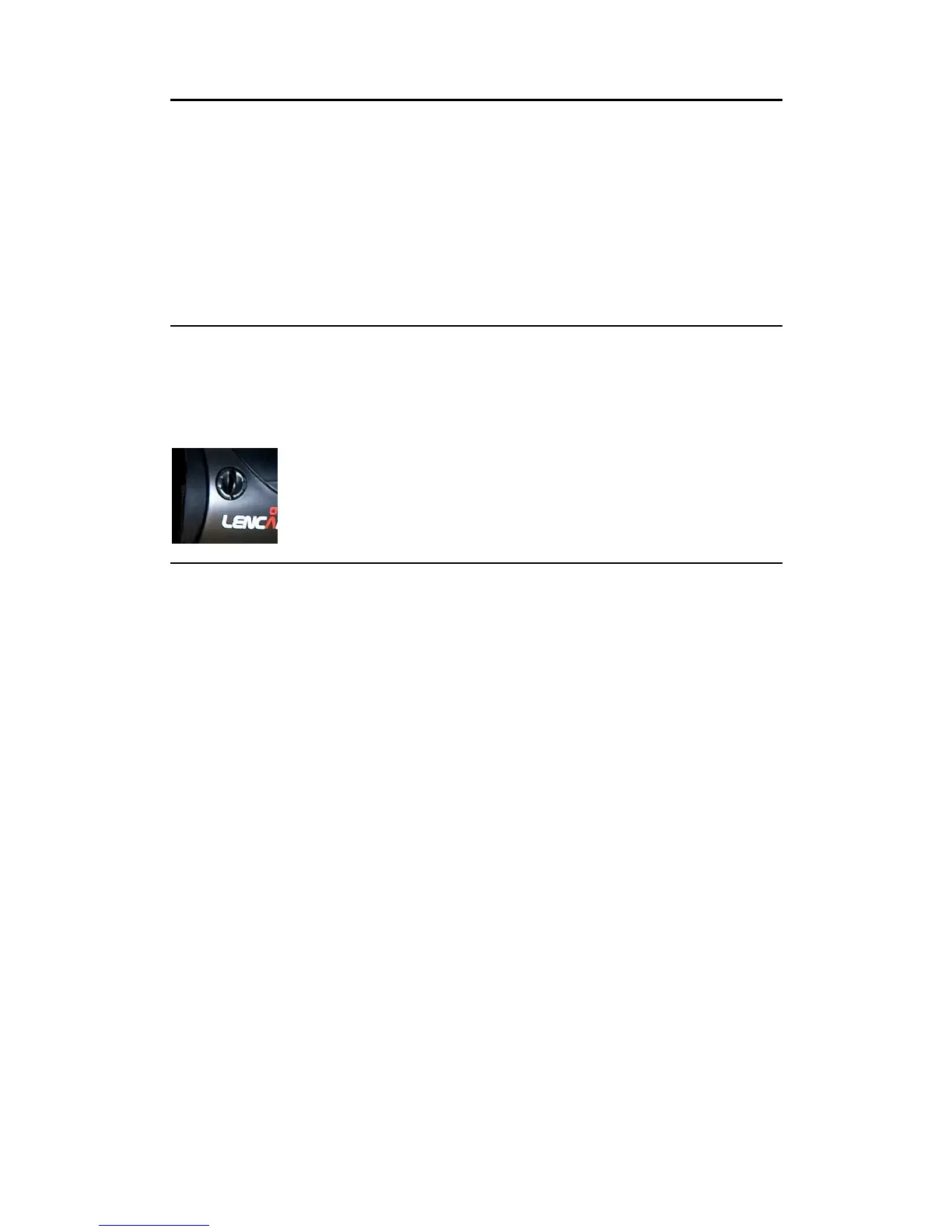
To remove the accessory, twist and hold the release catch shown just
behind the reflector to the left, Be careful not to damage the flash tube or
modelling lamp when fitting or removing the accessory. This is especially
important when fitting/removing large or heavy tools such as beauty dishes
and softboxes.


 To Previous Page
 Loading...