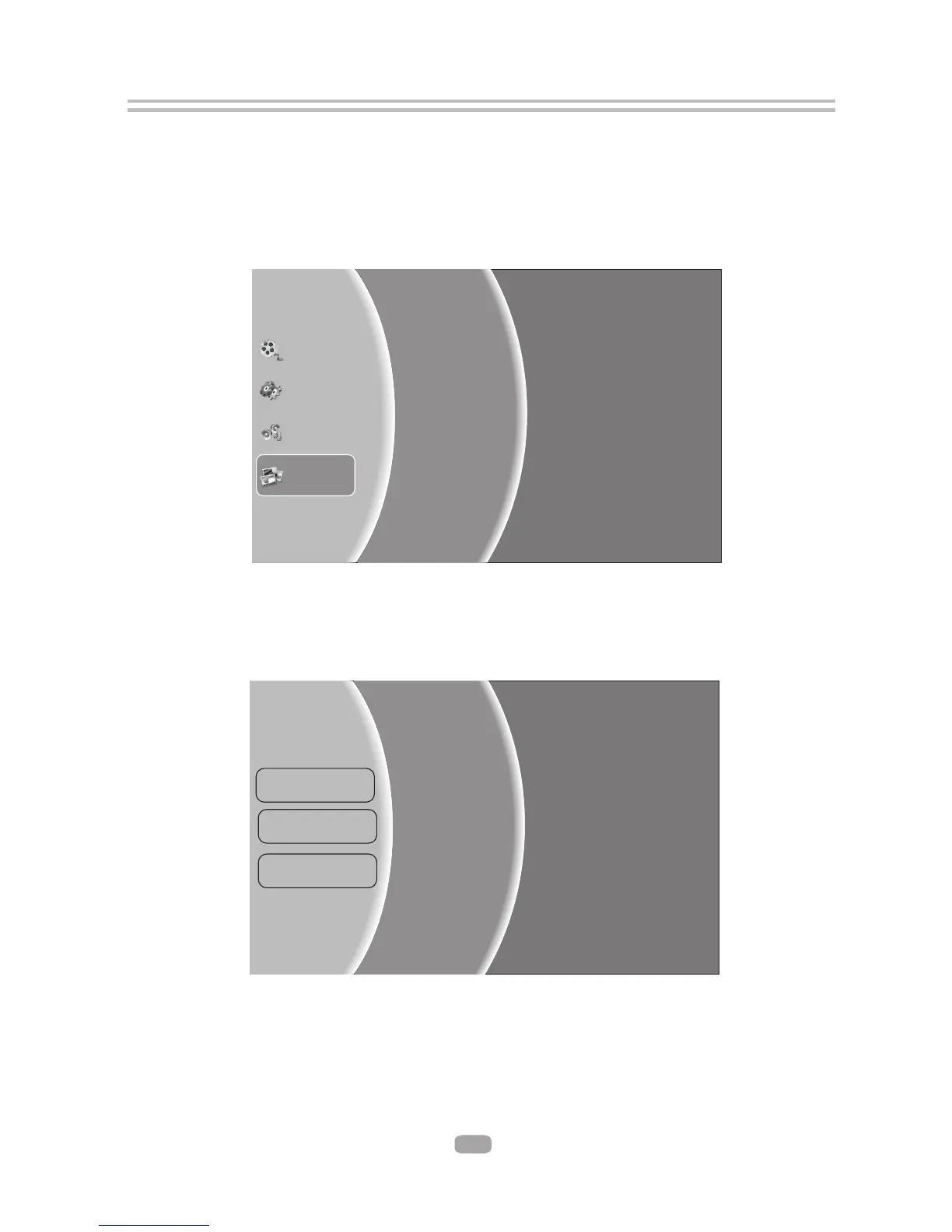
6.6 Browsing picture files
6.6.1 Select Pictures icon in main menu which will appear after BD player read out disk
or/and USB device . Press ENTER key while Pictures icon is highlighted, system
will bring out a sub menu for file source selection.( Figure 5-5)
Figure 5-5 Picture Media Selector
Settings
Music
Optical Disk
Playlist
USB
6.6.2 Select disk or USB to open a browser which files on current
disk/USB device, so you can choose any files you want to play.(
allows you to view
Figure 5-6 )
Add all to Playlist
Previous folder
Play File
Folder1
Folder2
…
File1
File2
...
Figure 5-6 Picture Browser Screen
Pictures
Videos
...
18



 To Next Page