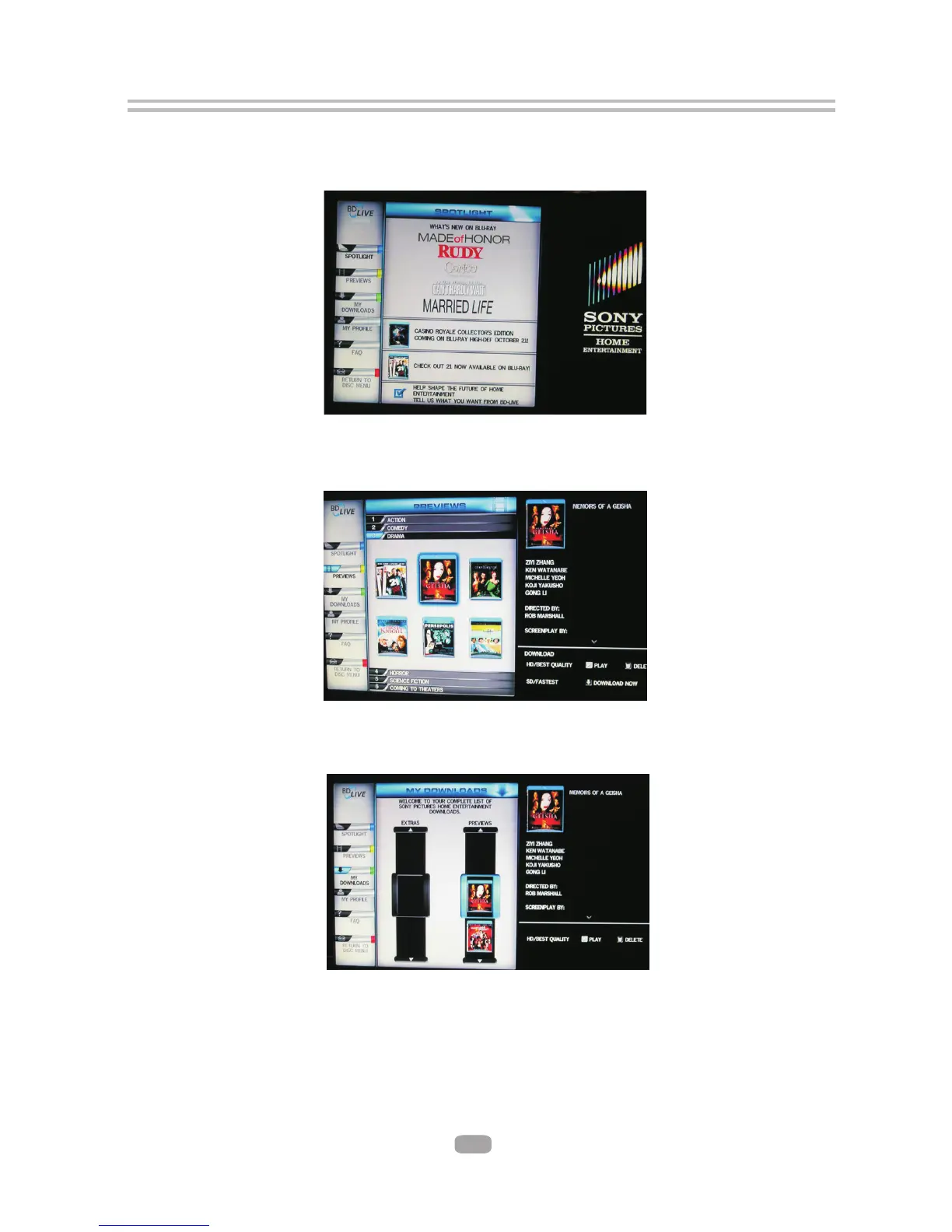
7.4.3 The player will connect to internet and show download menu as below picture.
Note: This can take several minutes.
7.4.4 You can select the content to download from the Previews sub menu.
Note: This can take several minutes.
7.4.5 The downloaded content is stored under My Downloads. You can choose to either
play back or delete the downloaded content
7.5 BD-Live Notes
7.5.1 This player only supports the connection of USB memory in order to store BD 2.0
downloaded content
7.5.2 Any externally connected device will be set as BD-Live storage and internal
storage will be ignored in same time.
7.5.3 Some BD-Live content will be expired and not playable, user need to manually
delete the contents in BD storage in order to free space.
21



 To Next Page