USB cable (Data transfer/charging)
3 pairs (small, medium, large)
3 pairs (small, medium, large)
Note: This list is for reference only. Actual package contents are subject to change
without prior notice.
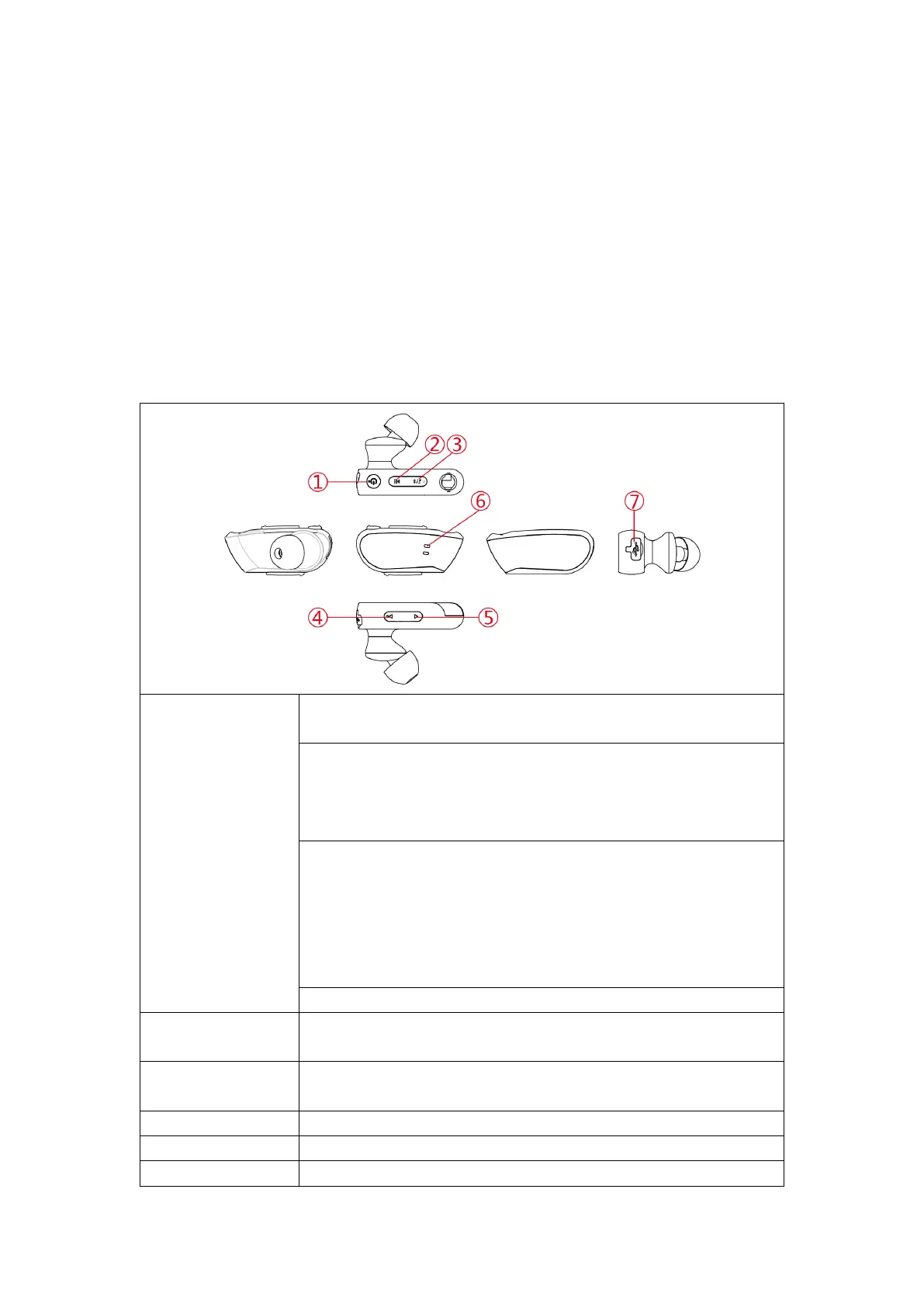
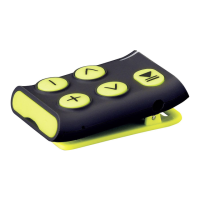
2. Buttons
① Play/Pause
On/Off/
Pair Reset
Press to Play/Pause audio playback or answer/hang up a phone call;
Press and hold to refuse an incoming call
On: press and hold the button for 2-3s until you hear the "power on"
sound.
Off: press and hold the button for 2-3s until you hear the ‘power off”
sound.
Paring: Make sure your phone’s Bluetooth is enabled.
While the BTX-860 device is turned off, press and hold the power
button for about 6 seconds. You’ll hear the “Pairing” notification and
the blue/red leds on the housing will start to flash quickly. On your
phone you now can search for new Bluetooth devices and select BTX-
860 to pair.
Reset: Press and hold the power button for 10s to reset the Player
Press to switch the playback mode from sequential
Normal/shuffle/repeat 1 (while in MP3 play mode)
③ Bluetooth/MP3
mode switch
Press to switch between Bluetooth/ MP3 mode play
Short press to reduce volume; long press to skip to the previous song
Short press to increase volume; long press to skip to the next song
Shows current operating status (see VI)


 To Next Page