2. Resume play function: The BTX-860 has a resume play function, which continues
playing your MP3 on the location you switched off the unit, while playing MP3. To
resume play, you only have to switch on the BTX-860 and select the MP3 play
mode.
Connecting to a computer: Use the USB cable that comes with the BTX-860. Connect
to a PC’s USB port and check for a removable disk. The disk is named BTX-860. Pay
attention, it can take up to 10 seconds before the name of the player “BTX-860”
appears in the list of the removable disks on your computer screen. You can now copy
audio files onto the removable disk.
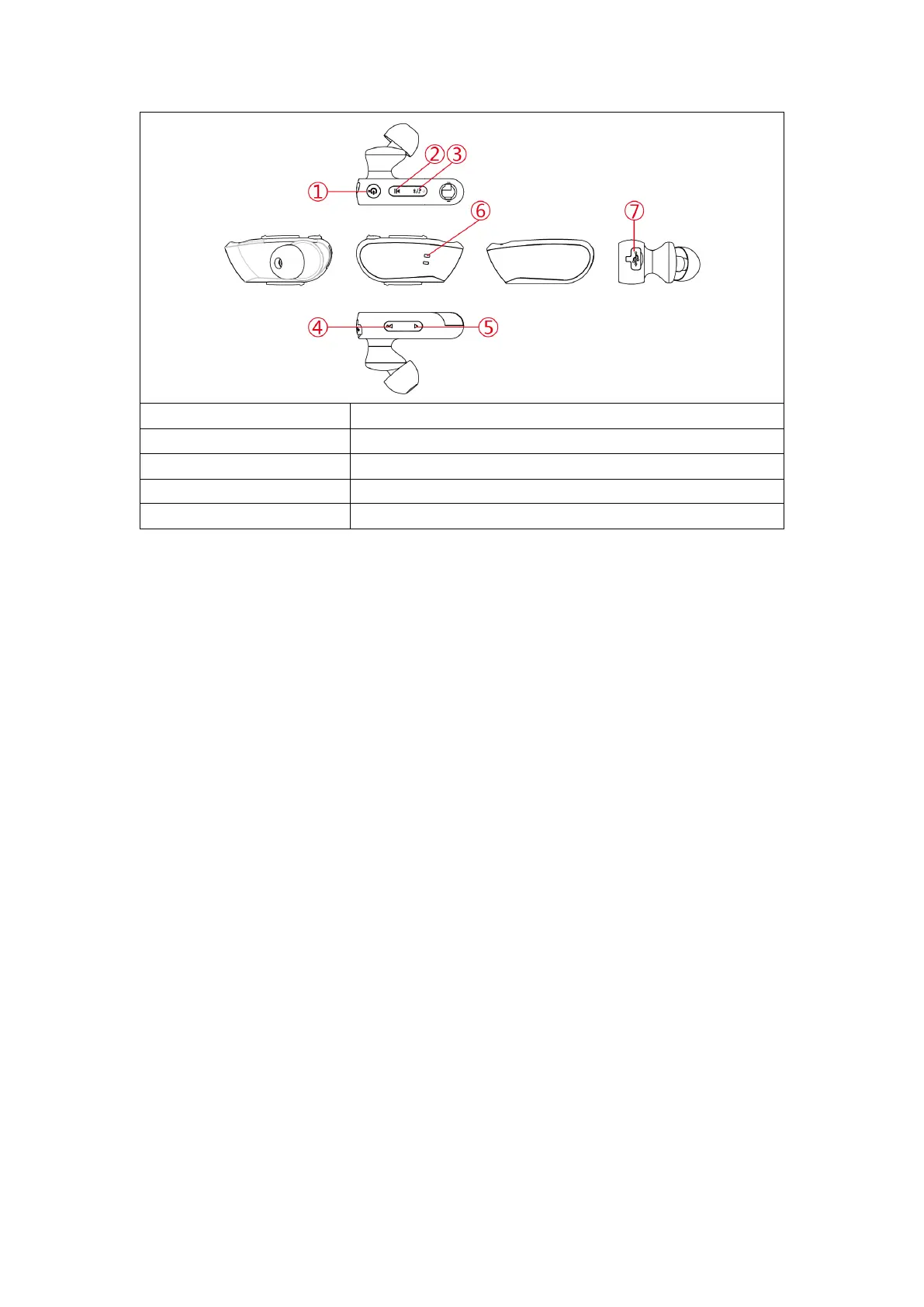
6. Indicator light
1. In MP3 play mode, a red light will flash slowly
2. In Bluetooth play mode, a blue light will flash slowly
3. In Pairing mode, red and blue lights will flash quickly
4. When the device is paused, a blue light will stay on always
5. When charging the device, a red light will stay on. The light will turn blue when
the device is fully charged
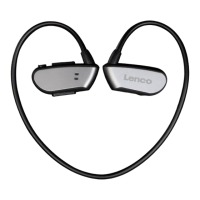
7. Using the Eartips
This device has two types of eartips: regular (red and black) and waterproof (solid
black). If using the device while swimming, use the waterproof eartips. In other
environments, the regular eartips are recommended.


 To Next Page