9
12. Home button
13. Mode button
14. Alarm button
15. Dimmer button
16. Sleep button
17. Mute button
18. Fav. button
19. Fav.+ button
20. EQ set tone
21. Language selection button
Note: the cursor buttons (3, 4, 5, 6) on the remote control can also be used to
navigate through the system menus.
INITIAL SETUP
Before operation, please make sure that the voltage mentioned on the power supply is the same as
the voltage of your local area.
Use the supplied mains adaptor to connect the device to your household mains socket.
Use the power switch (12) on the back to power up.
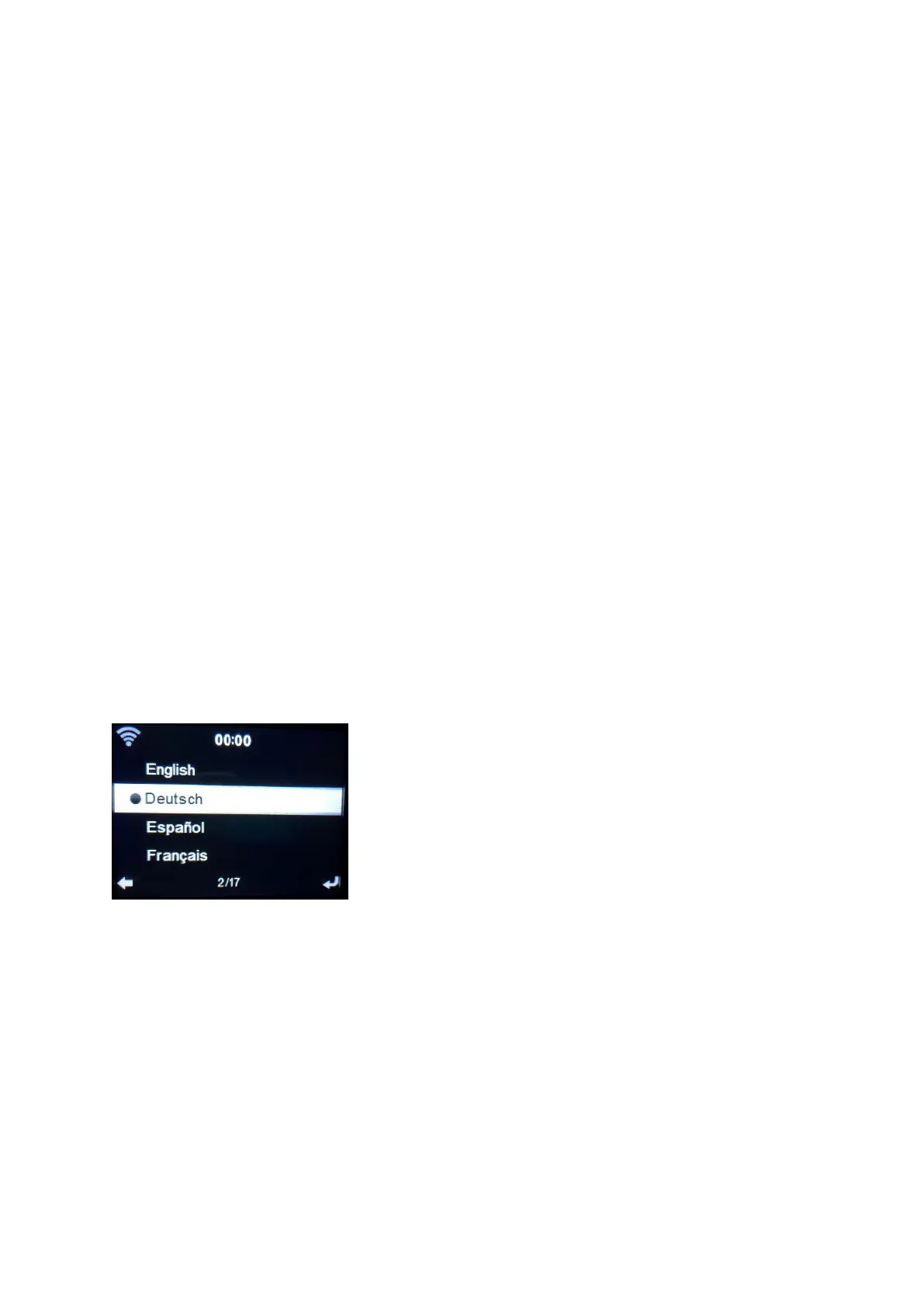
The system will ask you to set the units Language.
Use the Navigation (6) wheel to select the desired language, then press the Navigation (6) wheel to
confirm.



 To Next Page