33
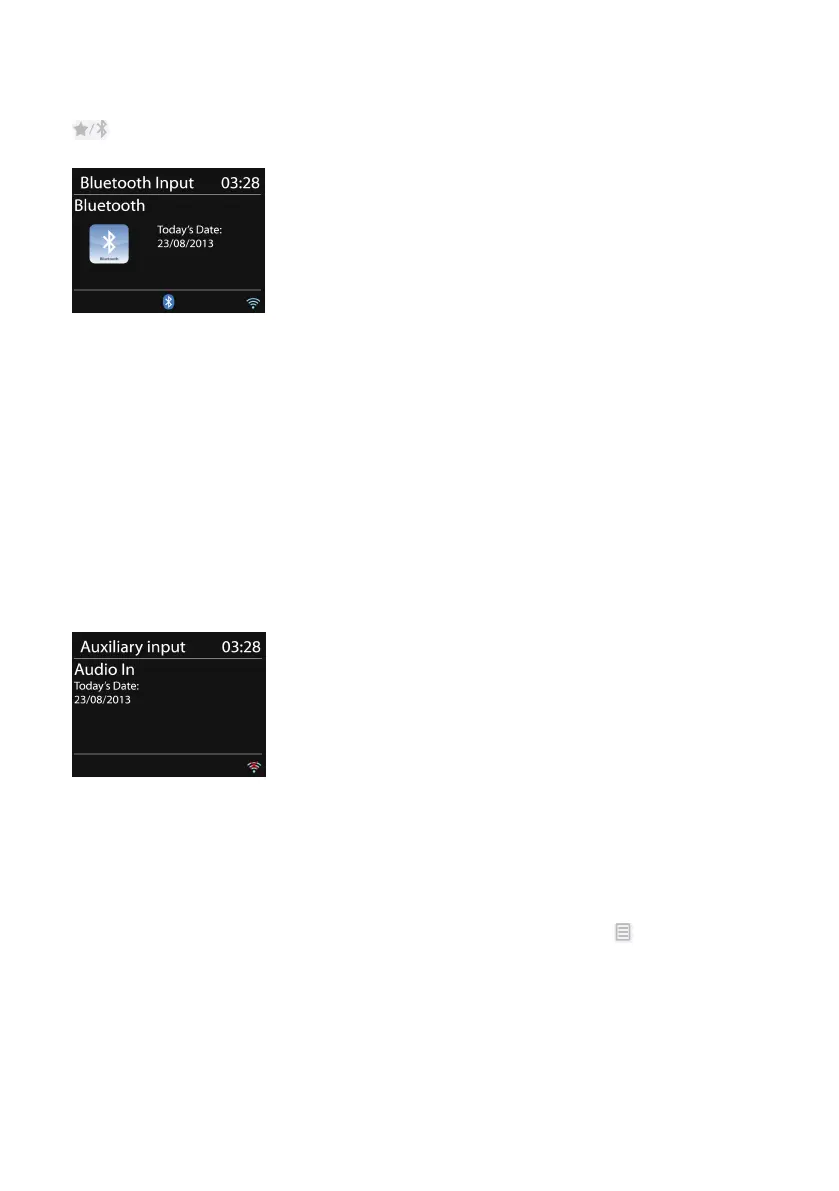
You can control the music playback on your BT device. It is supported by
play/pause, Next track/Prev track on the remote control. Press and hold
to release BT pairing.
5.10
5.10
5.10
5.10 AUX
AUX
AUX
AUX IN
IN
IN
IN
Aux in mode plays audio files from an external source such as an MP3 player.
To
play an audio file with the Aux in mode follow the steps below:
o Turn the volume low on both the device and, if adjustable, the
audio source device.
o Connect the external audio source to the 3.5mm Audio in socket at
the rear of the device.
o Press MODE or select AUX IN in the Main menu.
o Adjust the volume of the device (and, if necessary, the audio
source device) as required.
5.11
5.11
5.11
5.11 Sleep
Sleep
Sleep
Sleep
To
set the sleep timer, select Sleep in the Main menu or press SLEEP on the
remote control. C hoose sleep period option from Sleep
OFF,
15 MINS, 30
MINS, 45 MINS or 60 MINS.
The system returns to the main menu after you selected a desired sleep
period option. Press and hold MENU/INFO
MENU/INFO
MENU/INFO
MENU/INFO on the device or on the
remote control to return to the now playing screen.



 To Next Page