12
1 Requirements for using the DIR-250
1.1 Network Requirements
Before using the DIR-250, the following requirements are needed:
⚫ A broadband connection in combination with a wired/wireless access point, router or
similar network device.
⚫ The Wifi network router needs to support WIFI (802.11 b/g/n) wireless connection.
⚫ A smart phone, tablet or pc which is on the same network as the DIR-250
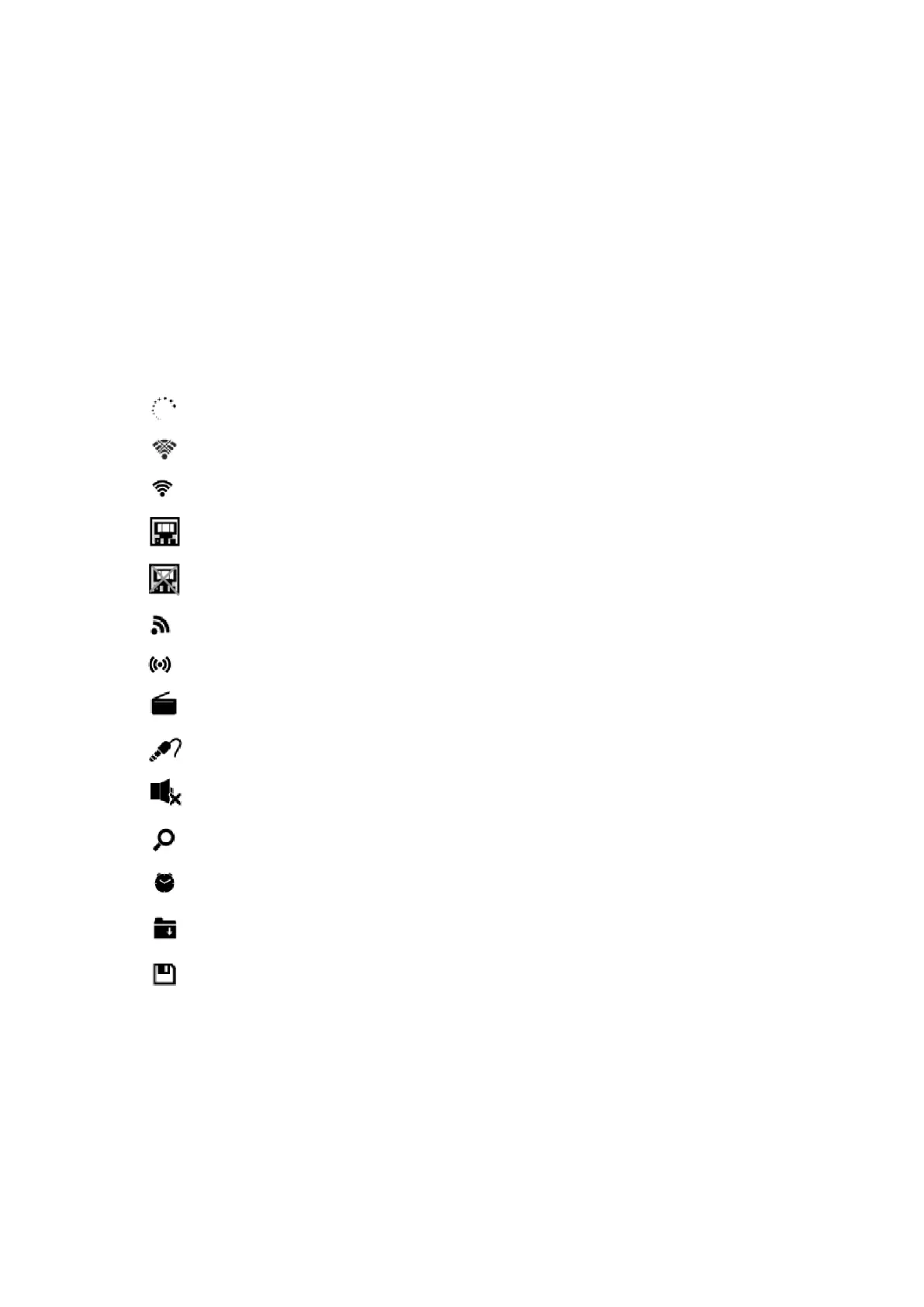
Display symbols
establishing Connection
No wireless connection
Wireless connection established
Wired connection established
No wired connection
VHF radio reception: Mono
VHF radio reception: Stereo
VHF radio function selected
AUX function selected
Speaker off
Search
Alarm on
Internet radio station saved as Fav.
FM radio station saved
2 Getting started
2.1 Get the network ready
● For wireless W-LAN network connection:
Check if WLAN LINK/ACT light of the wired/wireless access point or router is illuminated.
Consult the user guide of that for any questions.


 To Next Page