15
4 4 G H I g h i
5 5 J K L j k l
6 6 M N O m n o
7 7 P Q R S p q r s
8 8 T U V t u v
9 9 W X Y Z w x y z
buttons:
‘ ’Go to previous entry space, entry can be overwritten
‘ ’Go to next entry space, the last entry is saved
‘ ’Select number/letter
Input via front panel
Rotate the UP/DOWN navigation knob(3) to input numbers/letters.
Once you are on the letter you want, press to move to the next entry.
When you are finnished, press OK to confirm. You may press to move to a previous
character entry.
‘OK’ Confirm entire entry
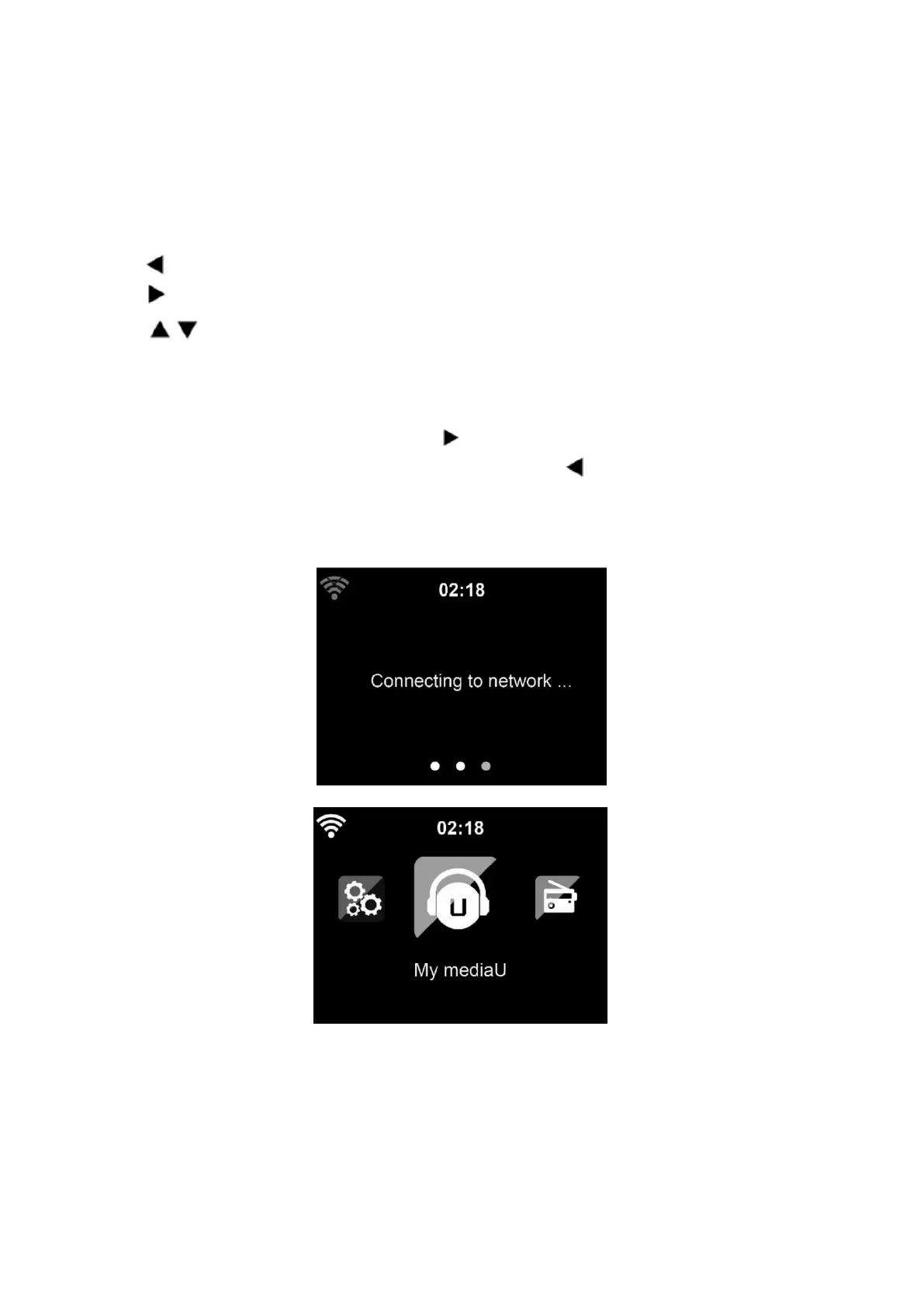
It may take a few seconds to establish the network connection.
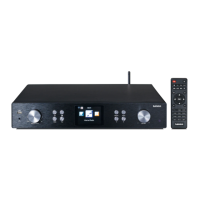
Once the connection is established, the main menu appears with the following menu items:
- Internet Radio: Access to worldwide radio stations
- Media Centre: Access to your UPnP devices via software with streaming capability.
- FM: Enter the FM radio mode
- DAB/DAB+: Enter the DAB radio mode


 To Next Page